How to move your construction business off spreadsheets, one step at a time
Leave spreadsheets and paper without stopping work: start with one job, import your clients, invite a few workers and run one real week.
By AGT Work Crew Team
The spreadsheet worked when it was you and two helpers. Now it's three tabs for hours, a client list someone last cleaned up years ago, estimates built in a word processor and a clipboard riding around in the truck. Everyone in the company knows it's breaking. What stops most owners isn't the software. It's the fear of stopping work for a week to switch.
You don't have to. The best way to move off spreadsheets is the same way you renovate a house the family is still living in: one room at a time, with the rest of the house working the whole time.
Why switching everything at once fails
Most failed switches follow the same pattern:
- Everything moves over one weekend. Then Monday arrives, jobs don't wait, and half the data never gets entered.
- The whole crew gets a new app with no explanation. A few people use it, the rest keep texting their hours.
- The old sheet and the new system run side by side forever. Now you're doing the work twice and trusting neither.
The fix is small steps, each with a clear finish line, each tested on real work before you take the next one.
Step 1: Start with one job
Pick one job that starts soon or just started. Mid-size, a few weeks long, with a client you get along with. Not your most complicated job, and not a two-day repair either.
Set up that job in the new system: the client, the job location, the contract value and the crew. From now on, everything new for that job goes there. Your other jobs stay exactly as they are for now. If something goes wrong, you've learned it on one job, not on all of them.
This is also why a trial matters: a 15-day free trial with no credit card is enough time to run a real job through the first steps before you decide anything.
Step 2: Import your client list
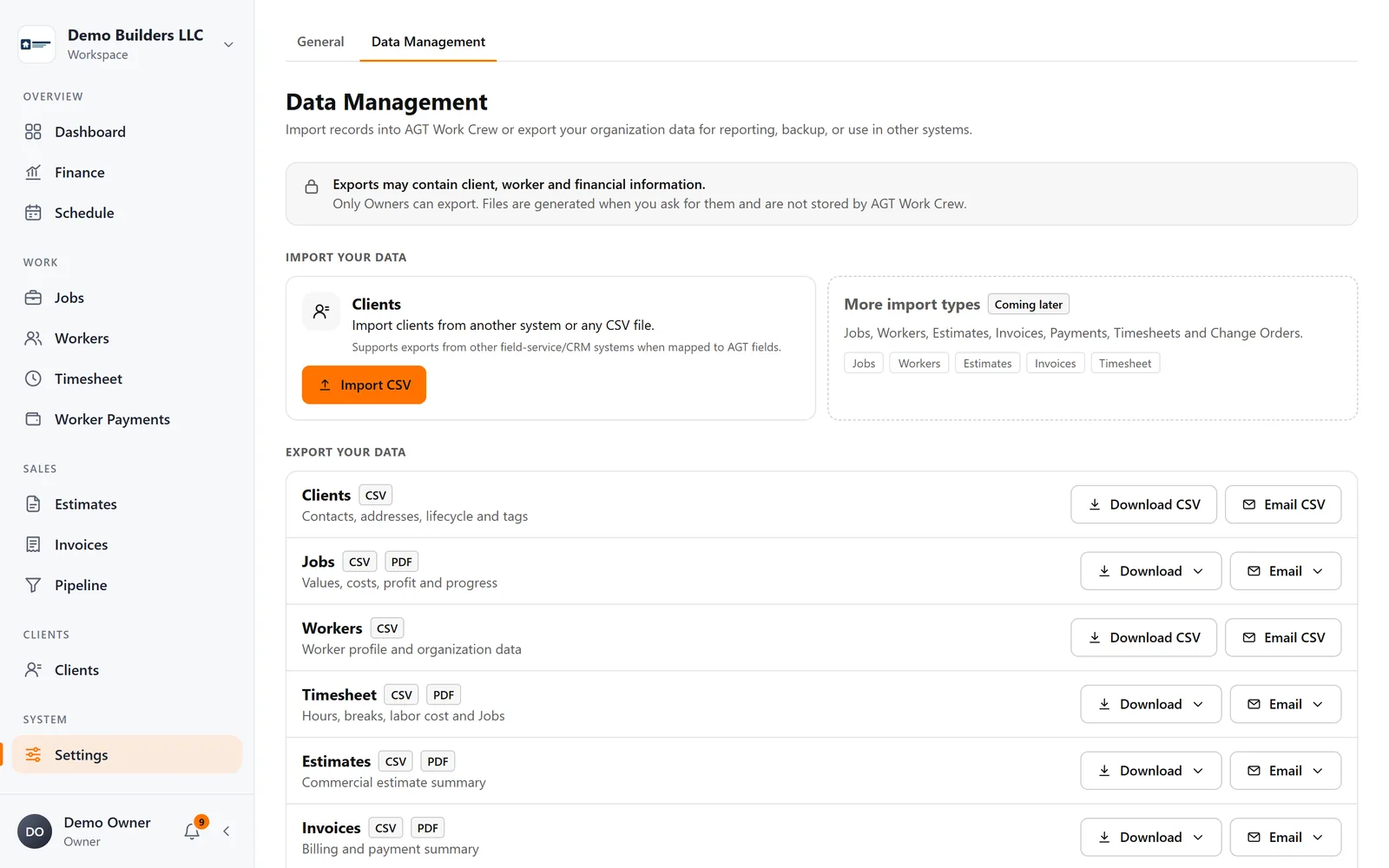
Retyping clients is where many switches stall. Most systems can import a CSV file, and every spreadsheet can save one. Before you export, spend thirty minutes cleaning:
- One row per client. If a client has two properties, that's still one client.
- Consistent columns: name, email, phone and address, each in its own column.
- Remove obvious duplicates, like "Bob Sullivan" and "Robert Sullivan" with the same phone number.
Don't aim for perfection. A clean-enough list imported today beats a perfect list next month. You'll fix the rest as you work with each client.
Step 3: Invite a few workers
Don't invite the whole crew on day one. Start with two or three people on that first job: ideally a lead who's comfortable with phones and one person who isn't. If it works for both, it'll work for everyone.
Show them on site, in five minutes: pick the job, clock in, start and end a break, clock out. Then tell them why it matters to them: hours on the right job, a clear record, fewer questions on pay day. In Greater Boston, many crews speak Spanish or Portuguese first, so an app in their language makes a real difference.
Step 4: Run hours for one week
For that one week, keep the paper sheet as a backup. At the end of the week, compare the two.
Differences are normal at first. Someone forgot to clock out, someone clocked in on the wrong job. Fix them, explain how to avoid them, and see what's left. If the app's hours match the paper, or are better, the paper sheet goes away for that crew.
Step 5: Send the next estimate from the app
Don't rebuild your old estimates. Just send the next new one from the new system, with line items, discount and tax, and your logo on it. You'll see when the client opens it, and the client can approve it online. If it's approved, it can become the job or the invoice without retyping.
One estimate is enough to know whether the process is faster than your old template.
Step 6: Retire the old sheet
This is the step most people skip, and it's why they end up with two systems. Pick a date. Save a final copy of the spreadsheet as an archive, name it clearly, and stop updating it. Tell the team where everything lives now.
Then repeat the cycle: the next job, the next few workers, until the whole company runs in one place.
How AGT Work Crew helps
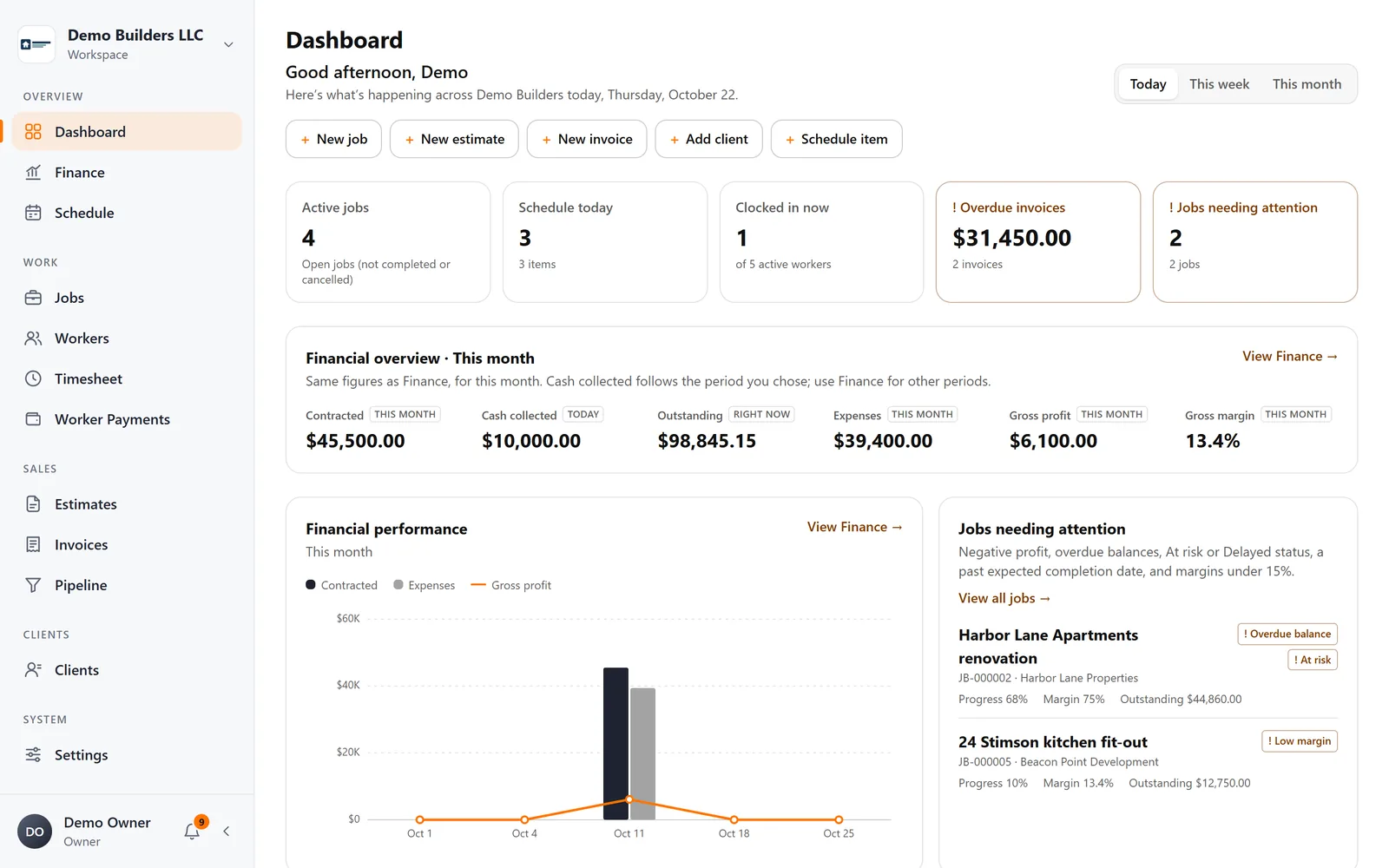
AGT Work Crew is built so you can switch one step at a time:
- Client import from a CSV file, with field mapping, a preview and duplicate checks. After that, duplicate warnings for email and phone help keep the list clean.
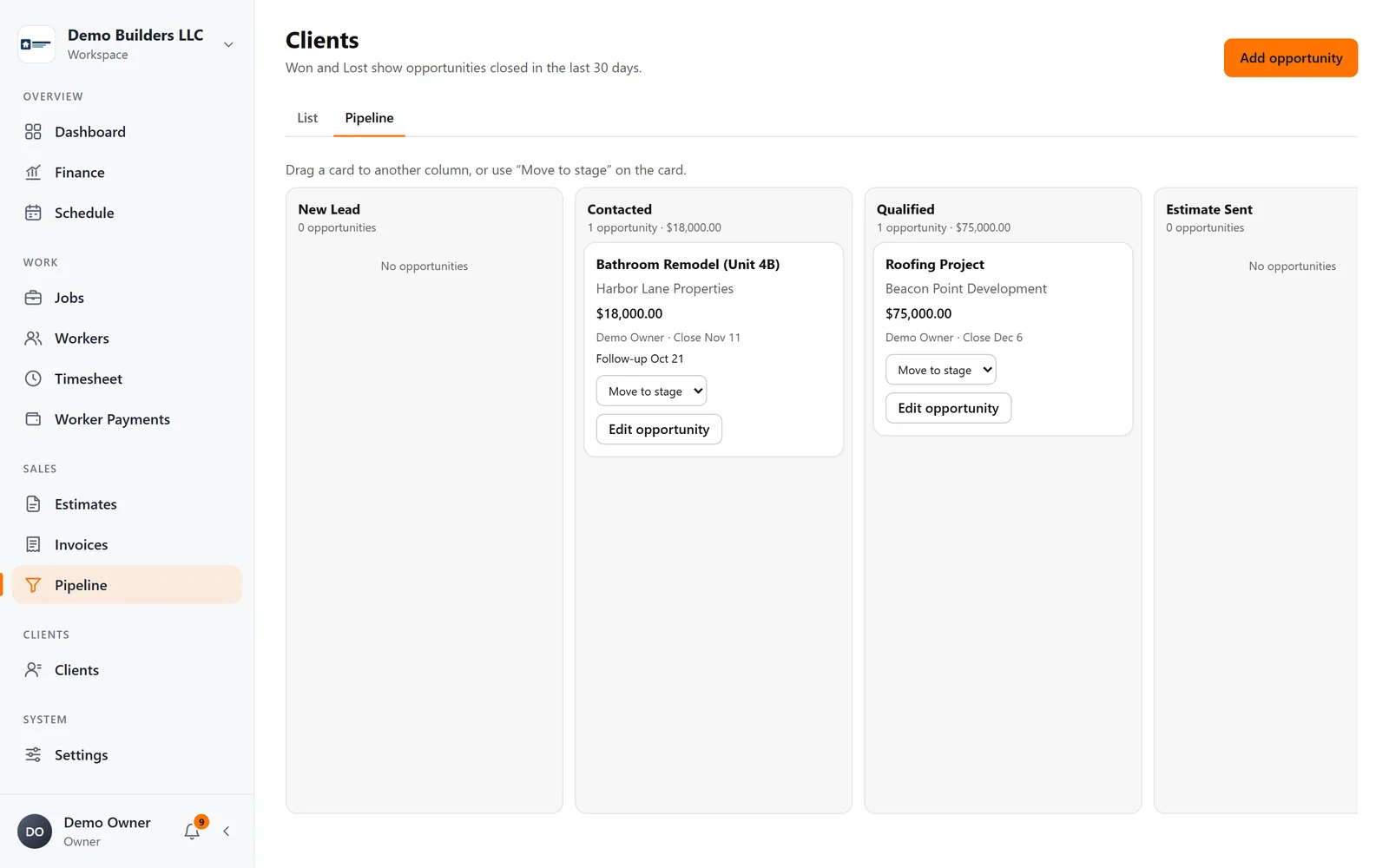
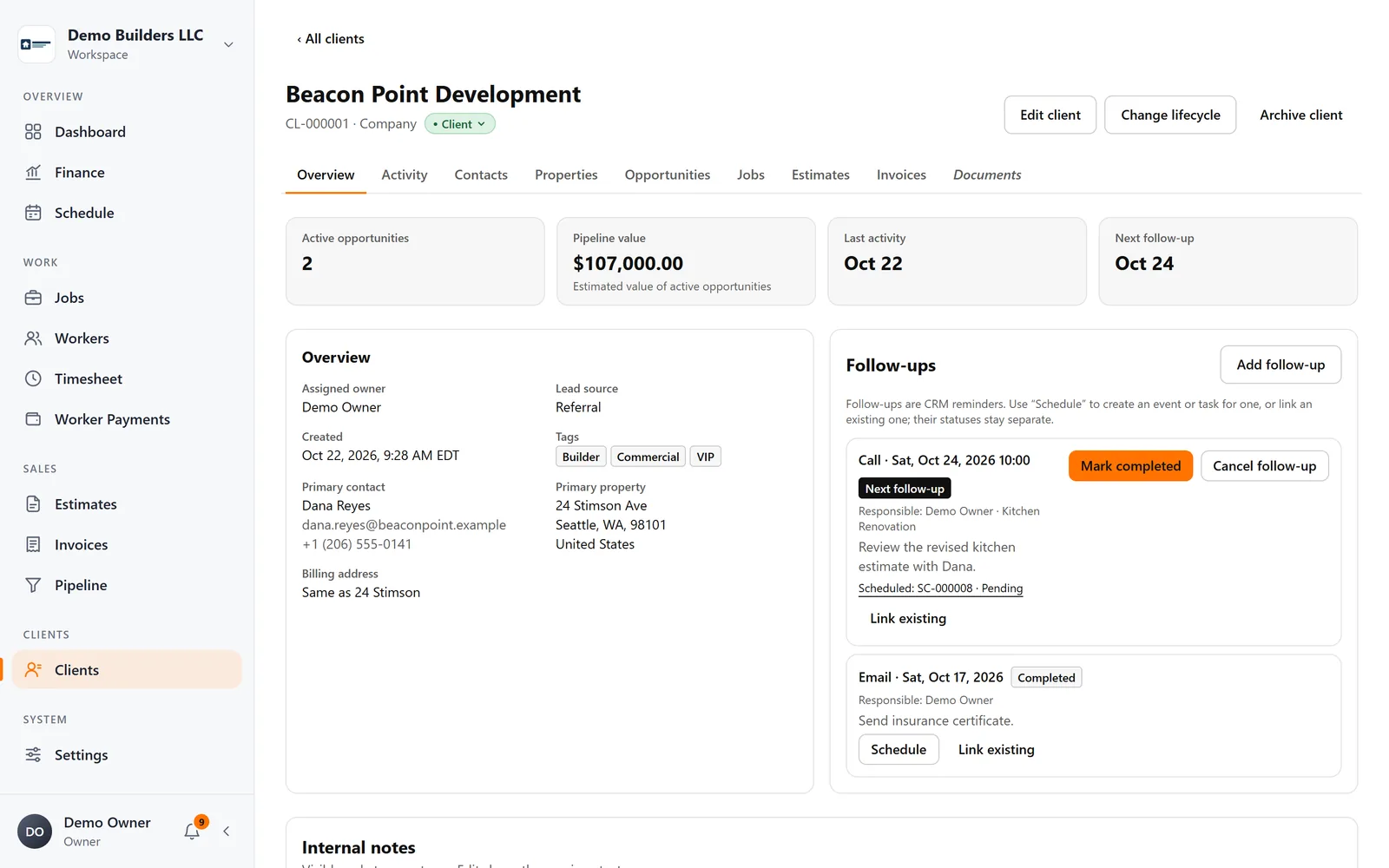
- Clients, contacts and multiple properties in one record, linked to their jobs.
- Jobs linked to a client and a job location, with the contract value and assigned crew.
- Worker invitations by email, team link or QR code. Workers join your company in the app, in English, Spanish or Portuguese.
- A time clock per job, with meal breaks and a location check at each clock event. It works offline and syncs later.
- Estimates with line items, discount, tax and your branding, sent from your company name, approved online and converted into an invoice or a job.
You don't have to switch everything at once, only the next job. See everything AGT Work Crew does.