Best app for construction contractors? What to look for, and how AGT Work Crew fits
Five things a construction app must do for a small contractor, the questions to ask before you sign up, and how to test AGT Work Crew free for 15 days.
By AGT Work Crew Team
Search for "best app for contractors" and you'll find dozens of answers, most of them written for companies much bigger than yours. If you run a crew of five, fifteen or forty people around Boston, you don't need an enterprise system with a six-month rollout. You need something your crew will actually open on Monday morning.
Here's how to judge any construction app in one afternoon, and where AGT Work Crew fits.
What a construction app has to do for a small contractor
Forget feature lists for a minute. A good app for a small construction or remodeling company does five jobs well:
- Gets hours from the field without chasing anyone. If the crew can't clock in from the job site in under ten seconds, you're back to paper by Friday.
- Tells you what each job really makes. Contract value, change orders, materials and labor in one place, while the job is still running.
- Turns estimates into approved work faster. Professional estimates, sent the same day, approved without print-sign-scan.
- Keeps clients informed without phone calls. Progress and photos the client can see on their own.
- Works for the whole crew. In their language, on their phone, even where there's no signal.
If an app misses one of these, you'll end up running that part of the business in texts and spreadsheets again.
Questions to ask before you sign up for anything
- Will my crew use it? Ask what the worker sees. Fewer screens is better.
- Does it work offline? Basements, new builds and old brick buildings around here often have no signal.
- Is it in Portuguese and Spanish? In Greater Boston, many crews speak one of them as a first language.
- How does location work? A location check when someone clocks in is reasonable. Following workers around all day is not, and crews know the difference.
- What does the client see? You want to share progress, never your costs or margins.
- Can I try it on a real job? A demo shows the best case. A trial on your own job shows the truth.
How AGT Work Crew answers those questions
AGT Work Crew is built for contractors and field-service companies: jobs, crew time, estimates, invoices and client updates in one app, on the web, iPhone and Android.
For the crew in the field
- Clock in and out per job from the app, with meal breaks in one tap.
- One location reading at each clock event, compared with the job site. Nothing runs all day.
- Works offline and syncs when the connection is back.
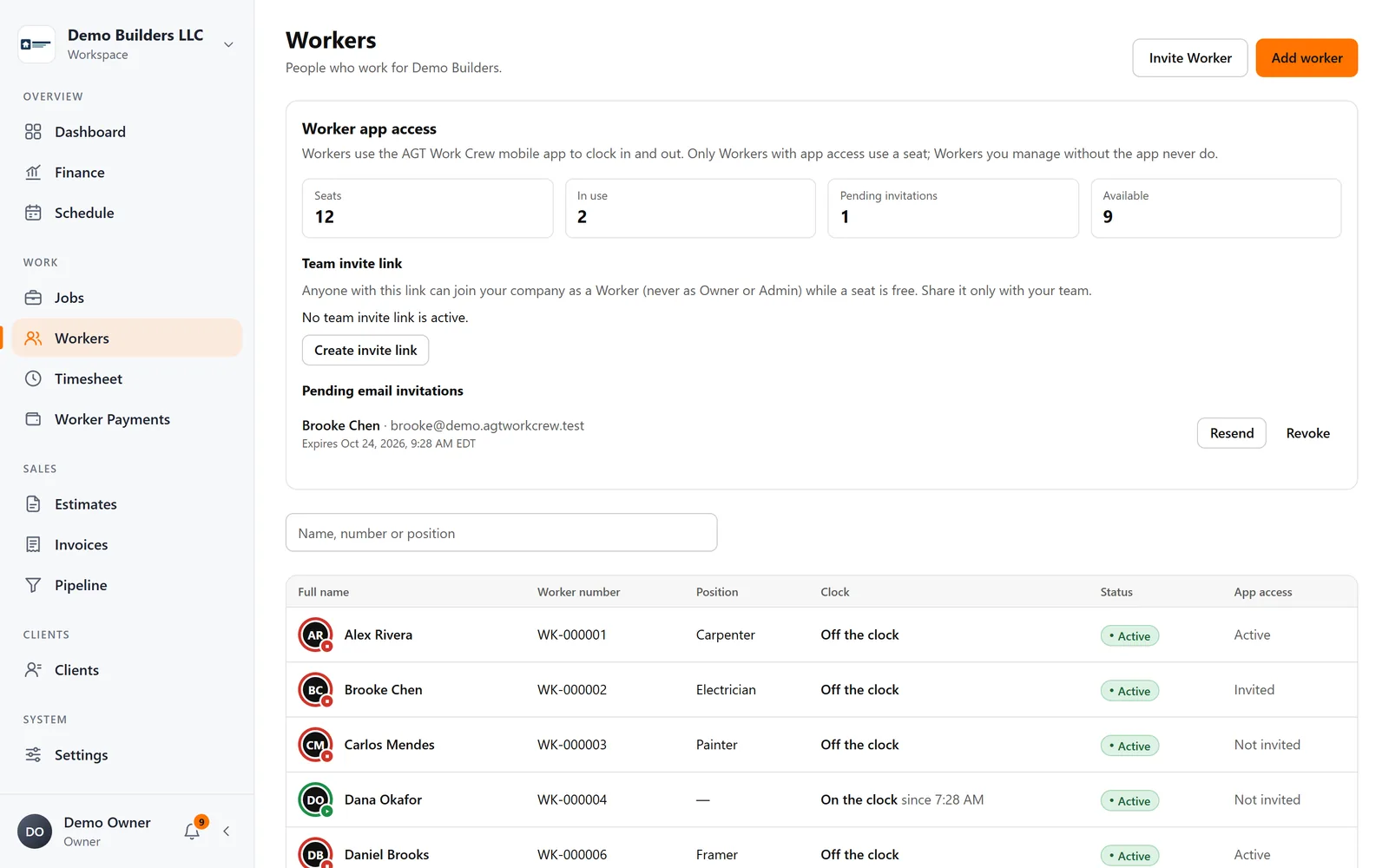
- English, Spanish and Portuguese. Workers see their schedule, their own hours and their payment statements, and send daily reports with photos.
For you in the office (or the truck)
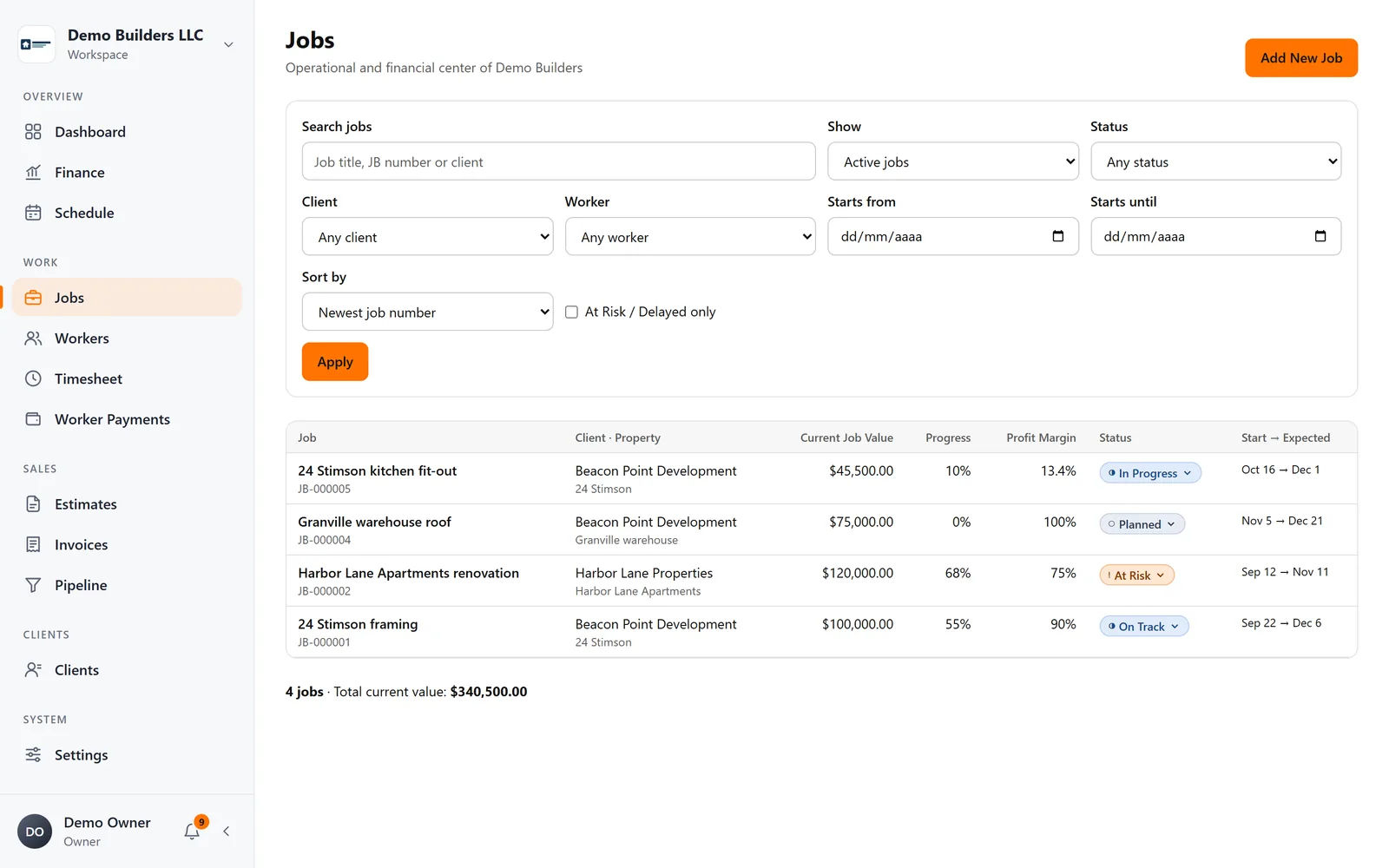
- Jobs and profitability: contract value plus approved change orders, materials, expenses and labor from tracked hours, with profit and margin up to date.
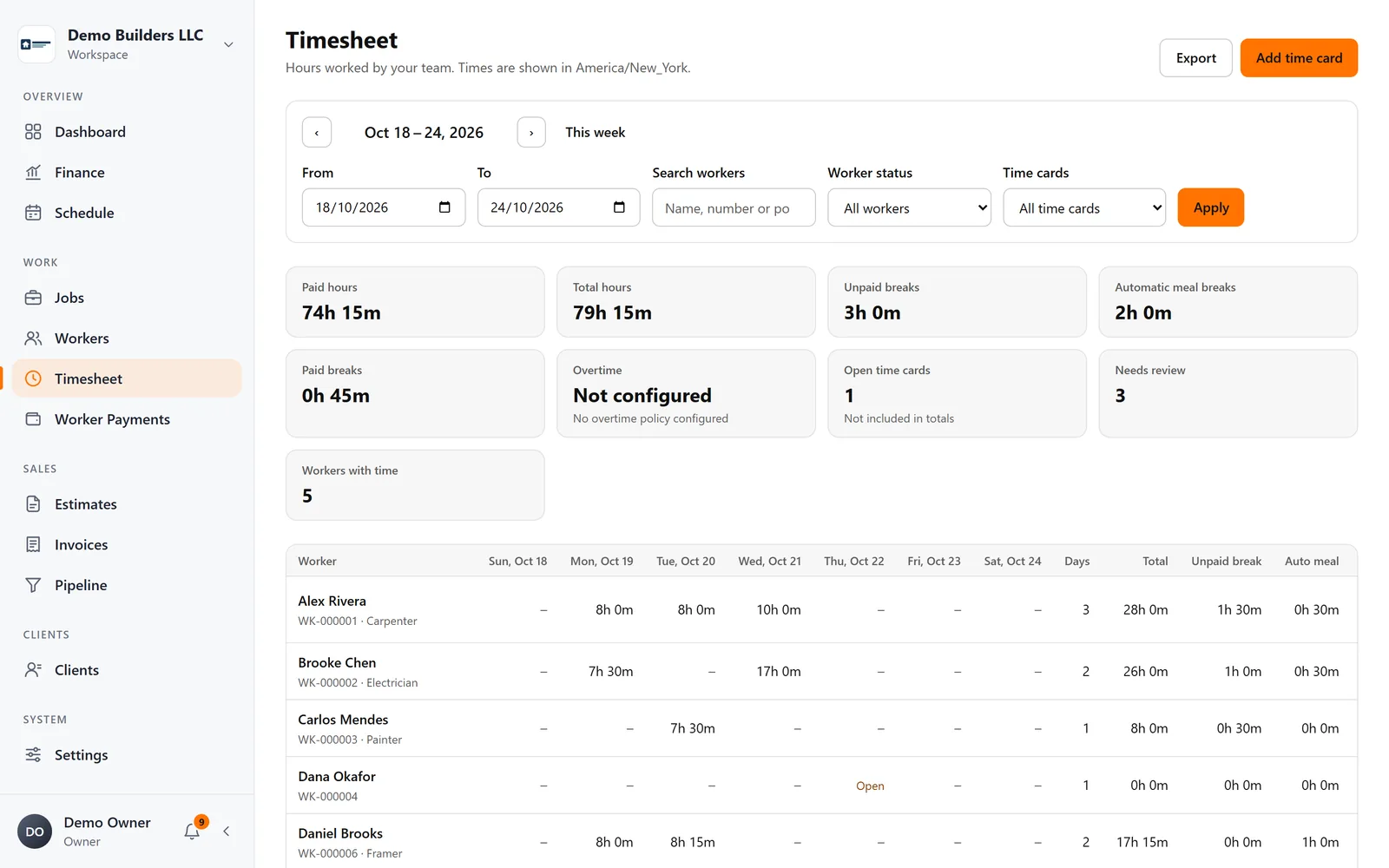
- Timesheets with corrections that keep the original, automatic meal-break rules, and PDF or CSV export.
- Worker Payments that calculate what each worker earned from real hours and rates, with statements for everyone. It's not payroll: your accountant or payroll provider still handles taxes.
- Scheduling with month and list views, linked to clients, properties and jobs.
- Clients and pipeline to track leads and follow-ups, with client import from a CSV file.
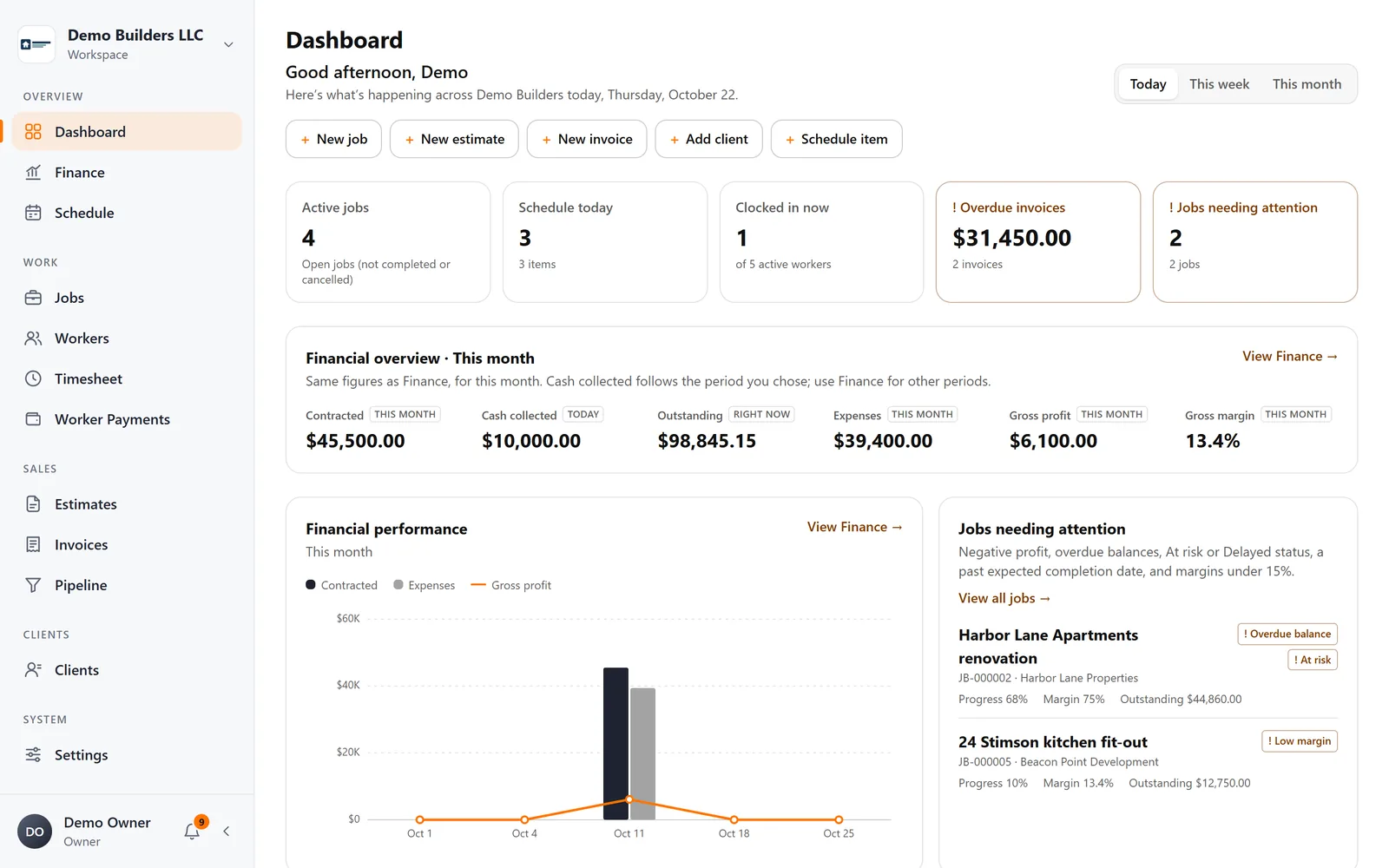
- Finance dashboard with what's contracted, collected and still owed.
For your clients
- Estimates and invoices with your logo, sent from your company name. Clients approve estimates online from their phone.
- A Client Portal for each job, with progress, updates and the photos you choose to share. Your costs, workers and internal notes are never shown.
So, is it the best app for you?
That depends on your crew and your jobs, and the honest way to find out is to use it. Pick one job that's running this week. Invite two or three workers, have them clock in for a few days, send one estimate and share one update with the client. By the end of the first week you'll know whether your Fridays got easier.
AGT Work Crew comes with a 15-day free trial, no credit card required, so you can run that test on a real job before you decide anything. See all the features.