
Accurate crew hours from the field, even without signal
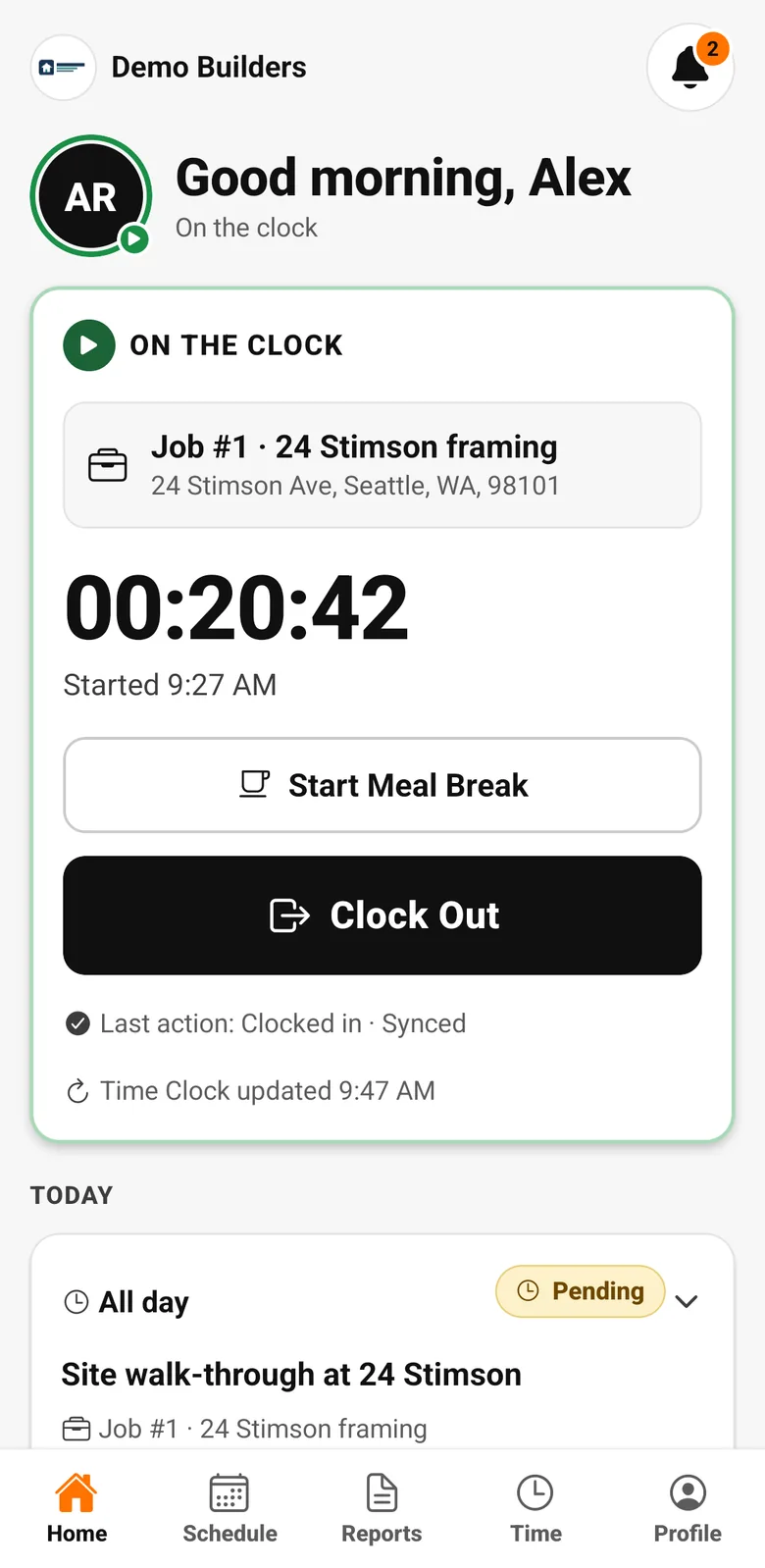
Workers clock in and out on the job from the AGT Work Crew app, with meal breaks and a location check at each clock event. It works offline and syncs safely later.
The problem
Hours you can't trust cost you twice
Paper sheets and texted hours lead to disputes, padded time and payroll mistakes, and you never know which job the hours belong to.
What you get
- Clock in and out per job
- Meal break start and end
- Location check at each clock event (job-site radius from 50 m to 50 mi)
- Offline clocking with safe sync
- Review queue for flagged and conflicting entries
- Company rules: location required or not, radius, automatic meal-break deduction
How it works
Time clock, step by step
- 1
Clock in on the job
Workers pick the job and clock in from their phone. Meal breaks start and end with one tap.
- 2
Location checked, not tracked
The app takes one location reading when a worker clocks in or out and compares it with the job site. Nothing runs in the background, so workers aren't tracked all day.
- 3
Offline is fine
On sites without signal, clock events are stored securely on the phone and sync when the connection is back.
- 4
Review what needs it
Entries outside the job-site radius or without location are flagged for review, so you check the exceptions instead of every line.
Industries
Popular with
FAQ
Time clock questions
Does AGT Work Crew track my workers' location all day?
No. The app reads the location only at the moment a worker clocks in or out, to compare it with the job site. It never tracks in the background.
What happens if a worker clocks in away from the job site?
The entry is recorded and marked Needs review, with the reason, so you decide.
Does it work without internet?
Yes. Clock events are saved on the phone and synced when the connection returns.
Works together with
Field work
Timesheets
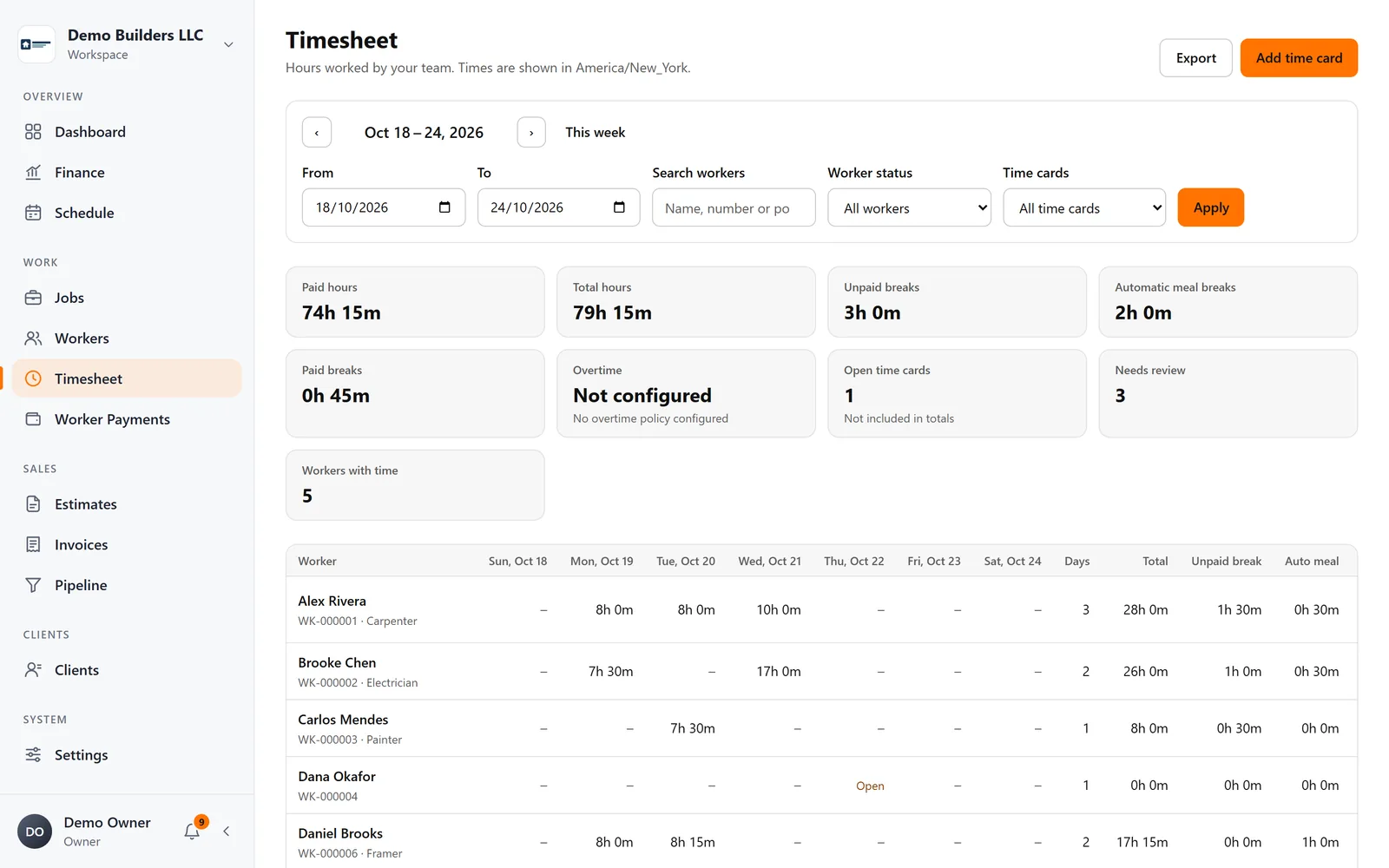
See hours by worker and period, correct entries with a full audit trail, apply your meal-break rules and export to PDF or CSV.
Learn more →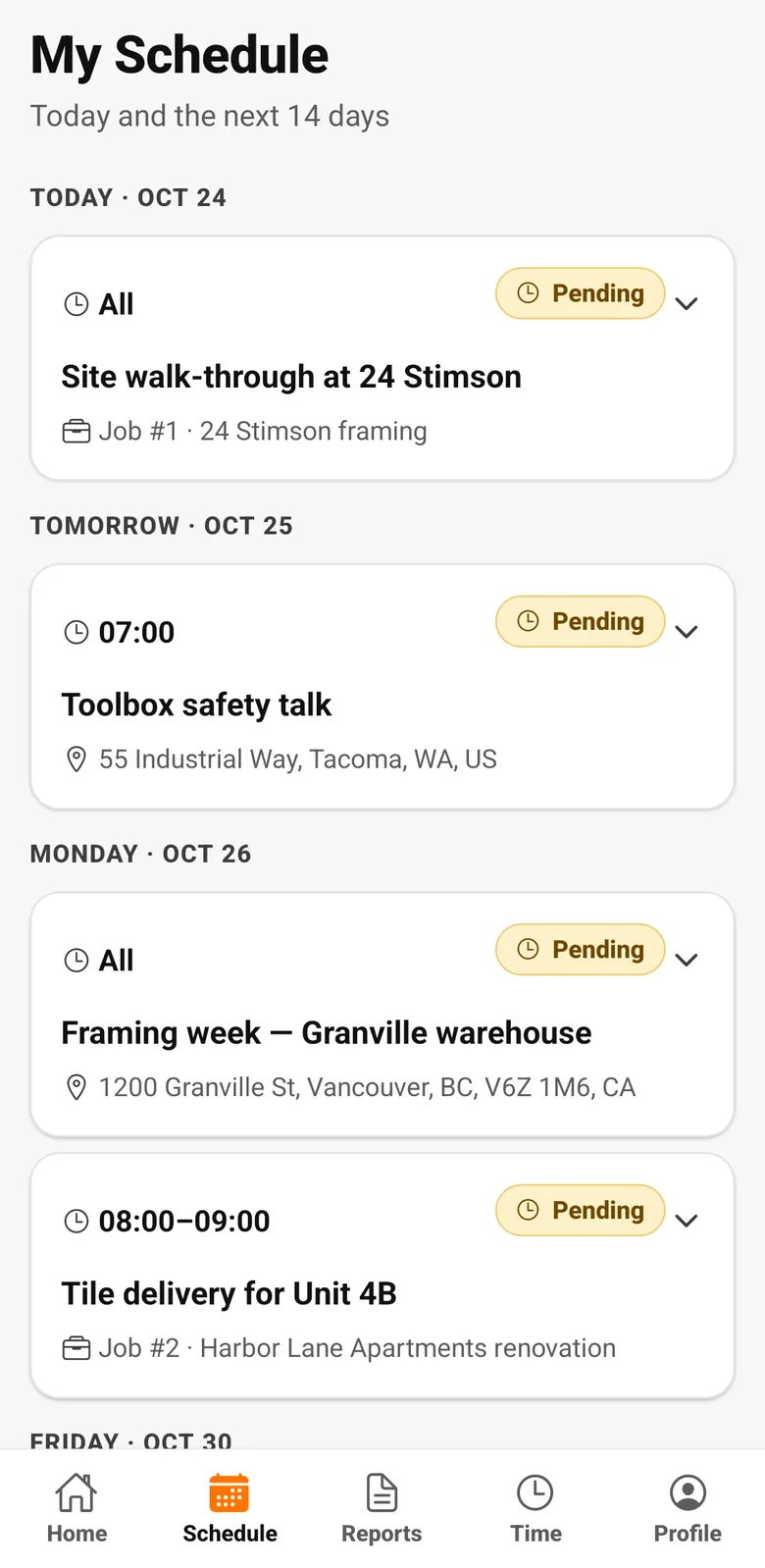
Crew & pay
Worker app
Workers clock in, see their schedule and hours, submit daily reports with photos and check their payments, in English, Spanish or Portuguese.
Learn more →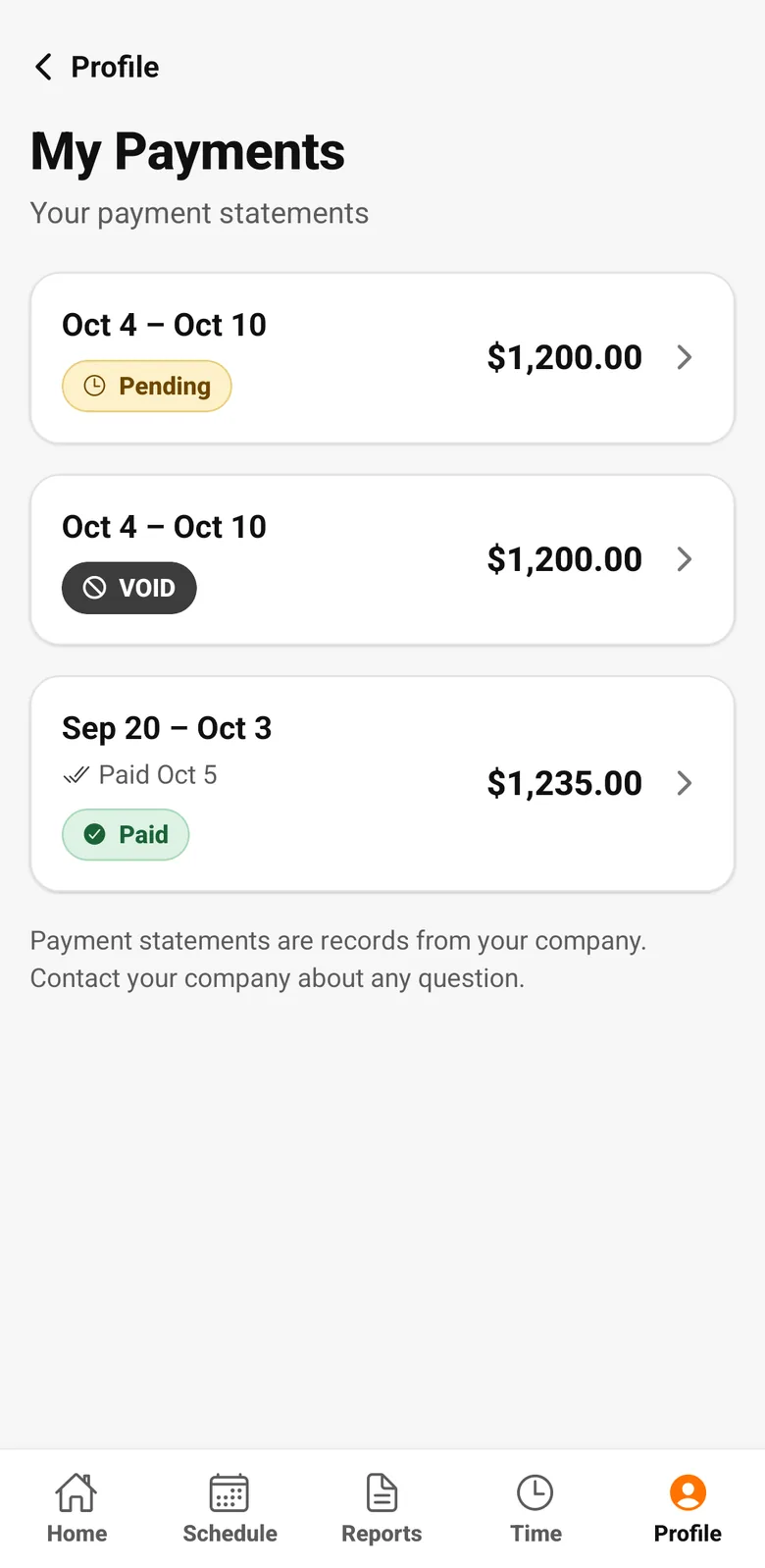
Crew & pay
Worker Payments
Create payment runs from timesheet hours and each worker's rate, add reimbursements or deductions, and give every worker a clear payment statement.
Learn more →Run your next job with AGT Work Crew
Jobs, crew time, estimates, invoices and client updates, connected from day one.
- No credit card required
- 15-day free trial