
Know what every job really makes, while it's still running
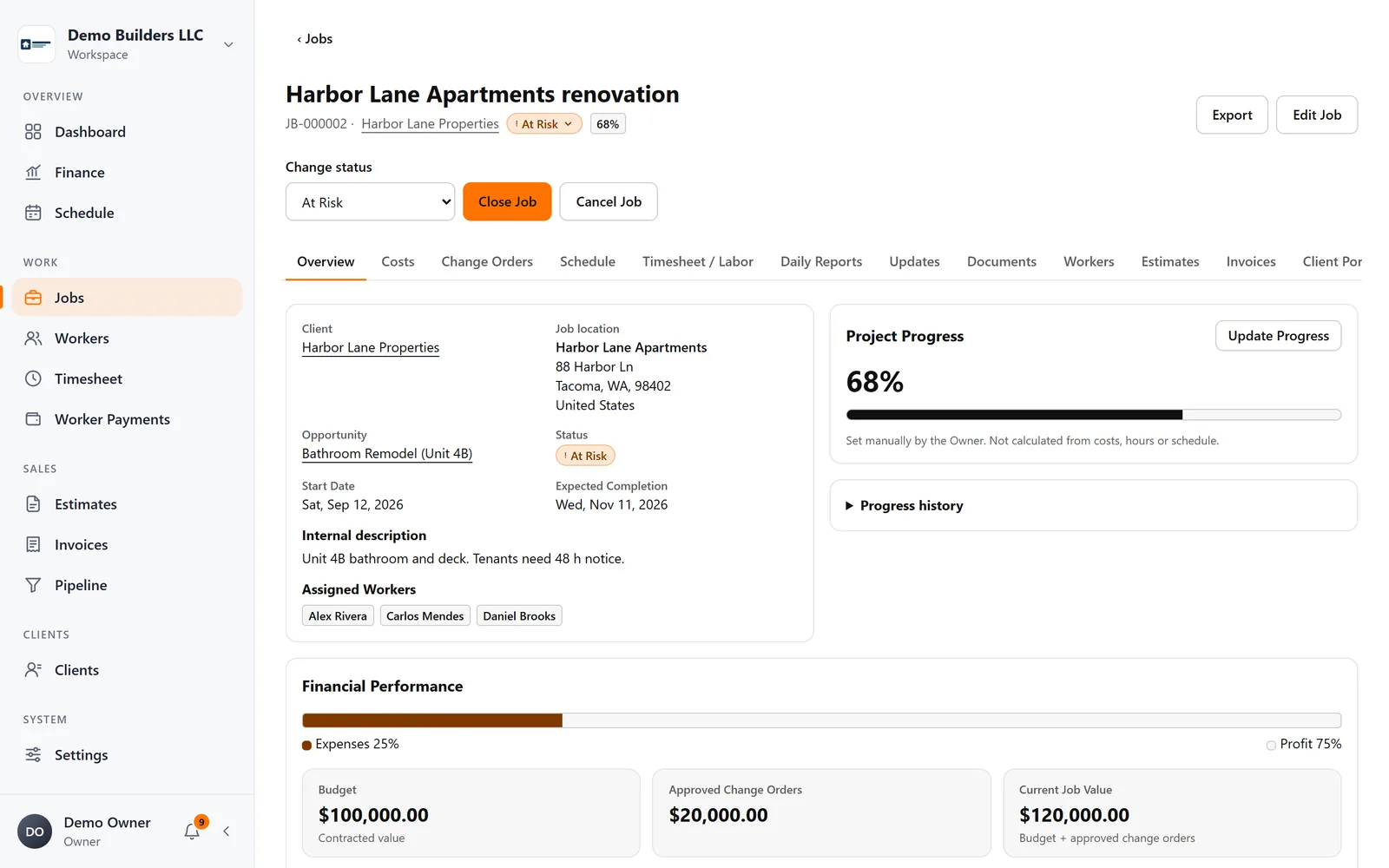
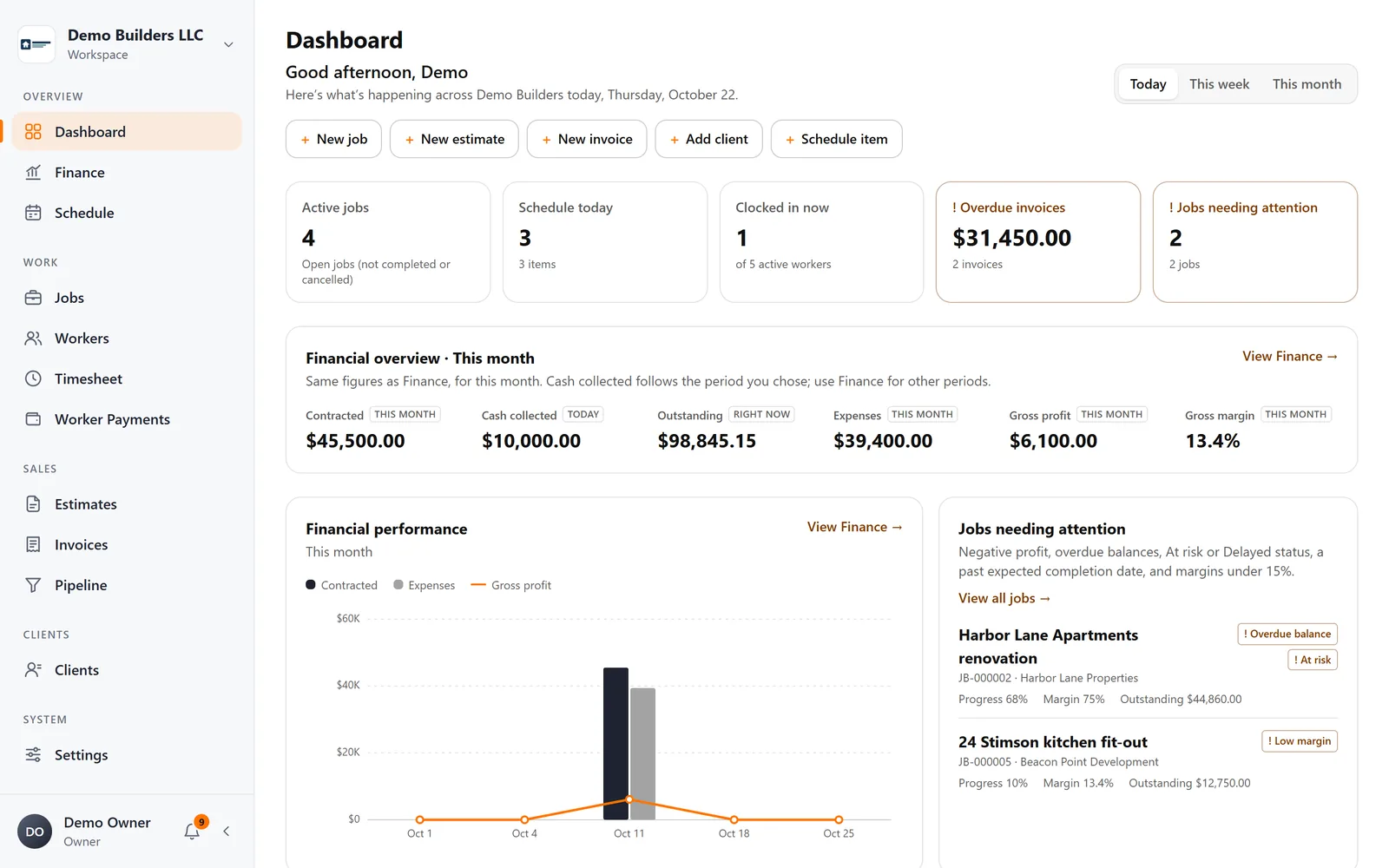
Track contract value, approved change orders, materials, expenses and crew labor on every job, and see profit and margin update as work happens.
The problem
Most contractors find out a job lost money after it's over
Hours live in texts, receipts in a truck, change orders in someone's head. By the time the numbers come together, it's too late to do anything about it.
What you get
- Jobs linked to a client and a job location
- Status, close and reopen, progress with history
- Contract value plus approved change orders
- Materials, other expenses and labor from tracked hours
- Profit, margin and cost ratio per job
- Documents and files on each job
- Activity history: who changed what and when
- Job report export (PDF and CSV)
How it works
Jobs & profitability, step by step
- 1
Create the job
Link it to the client and the job location, set the contract value and assign your crew.
- 2
Costs flow in
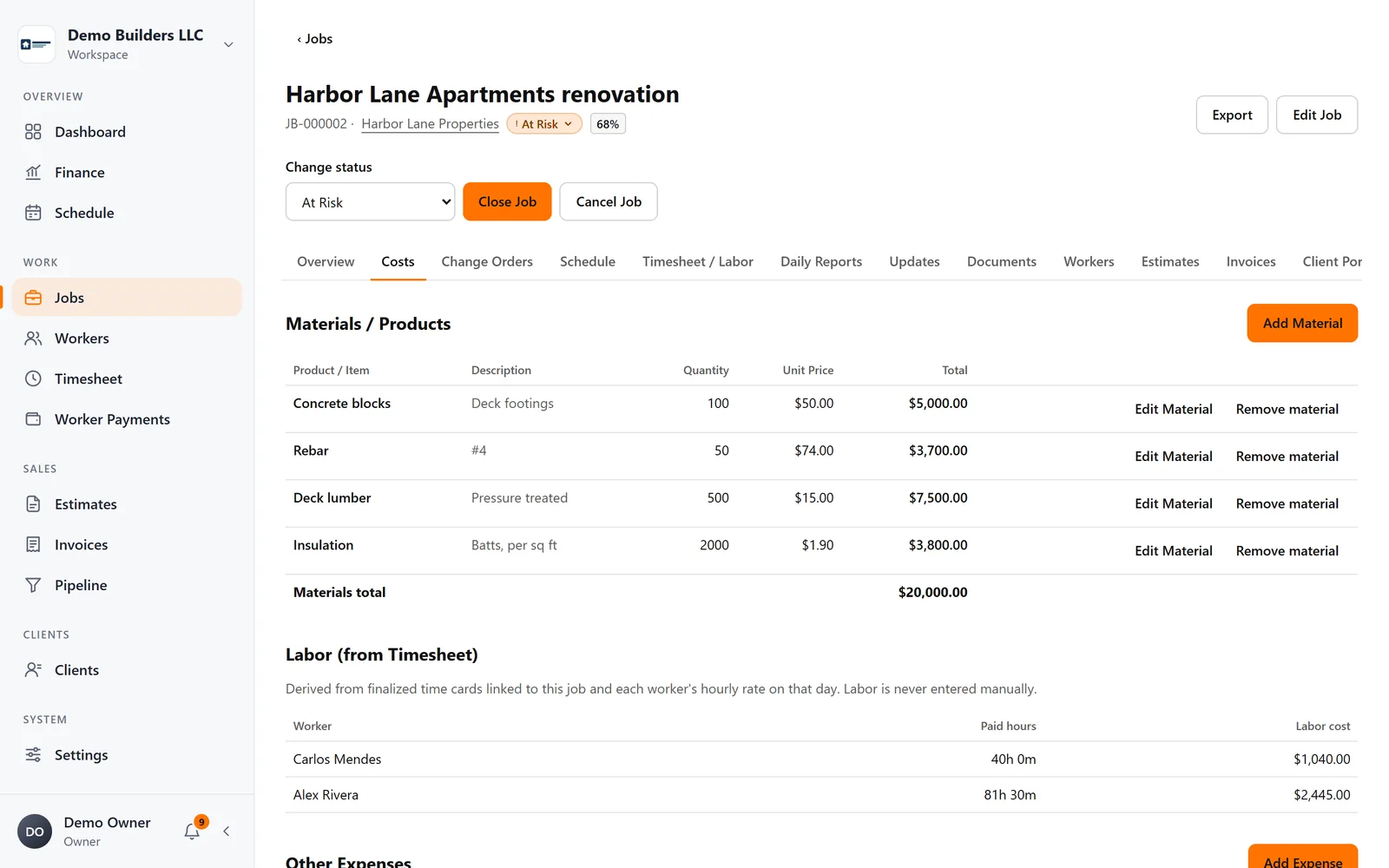
Add materials and other expenses. Labor cost comes from the hours your crew clocks on that job, multiplied by each worker's rate.
- 3
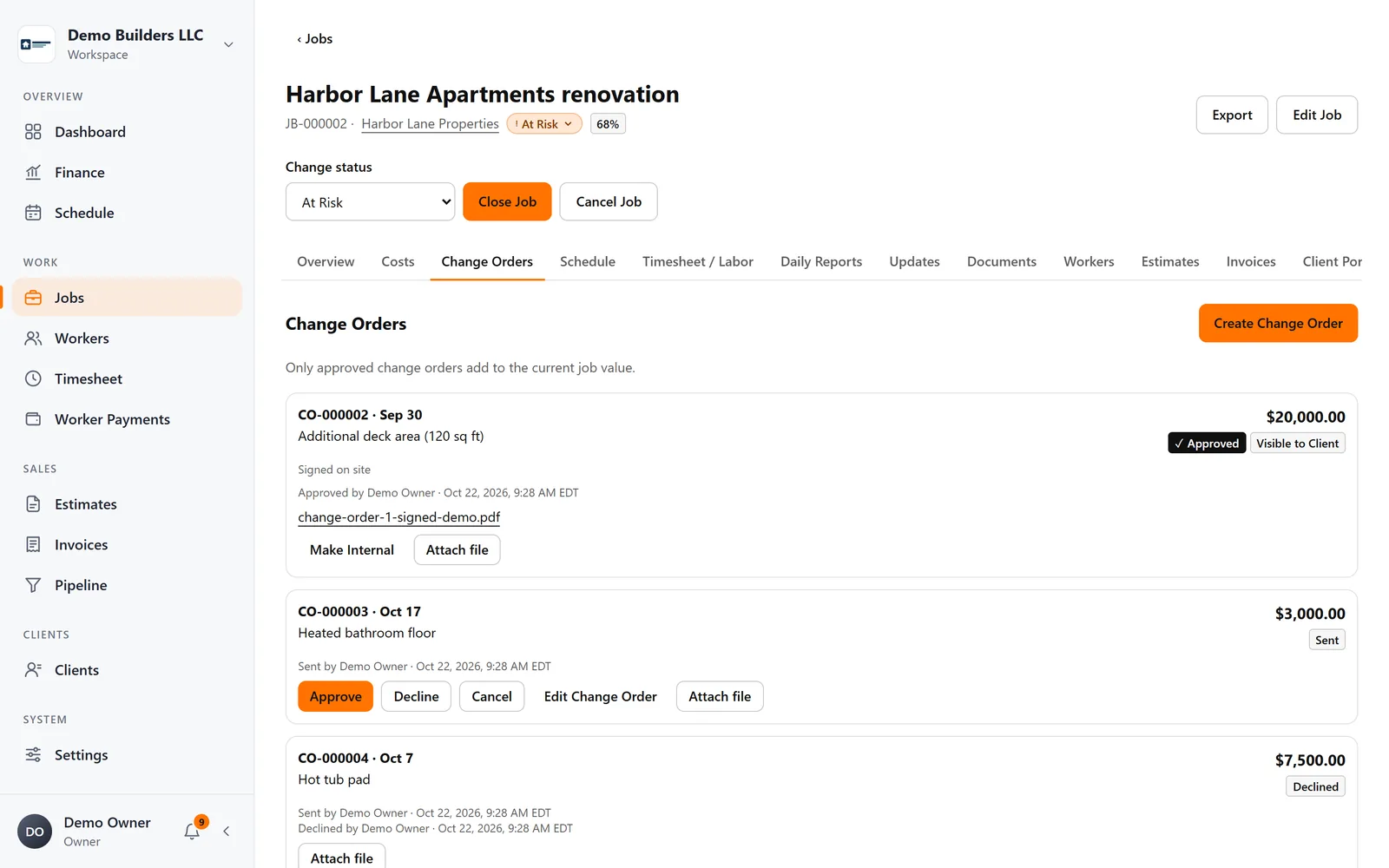
Change orders stay honest
Draft, send and approve change orders. Only approved ones add to the job's value.
- 4
Watch the margin
Value, costs, profit and margin are always up to date, and jobs that need attention show up on your dashboard.
Industries
Popular with
FAQ
Jobs & profitability questions
Where does labor cost come from?
From the hours your workers clock on the job (or that you enter), multiplied by each worker's hourly rate for that date. Rates can change over time without rewriting history.
Do unapproved change orders change the job value?
No. Drafts and sent change orders are tracked, but only approved ones add to the current job value.
Can I export a job report?
Yes, as PDF or CSV, to download or email.
Works together with
Field work
Time clock
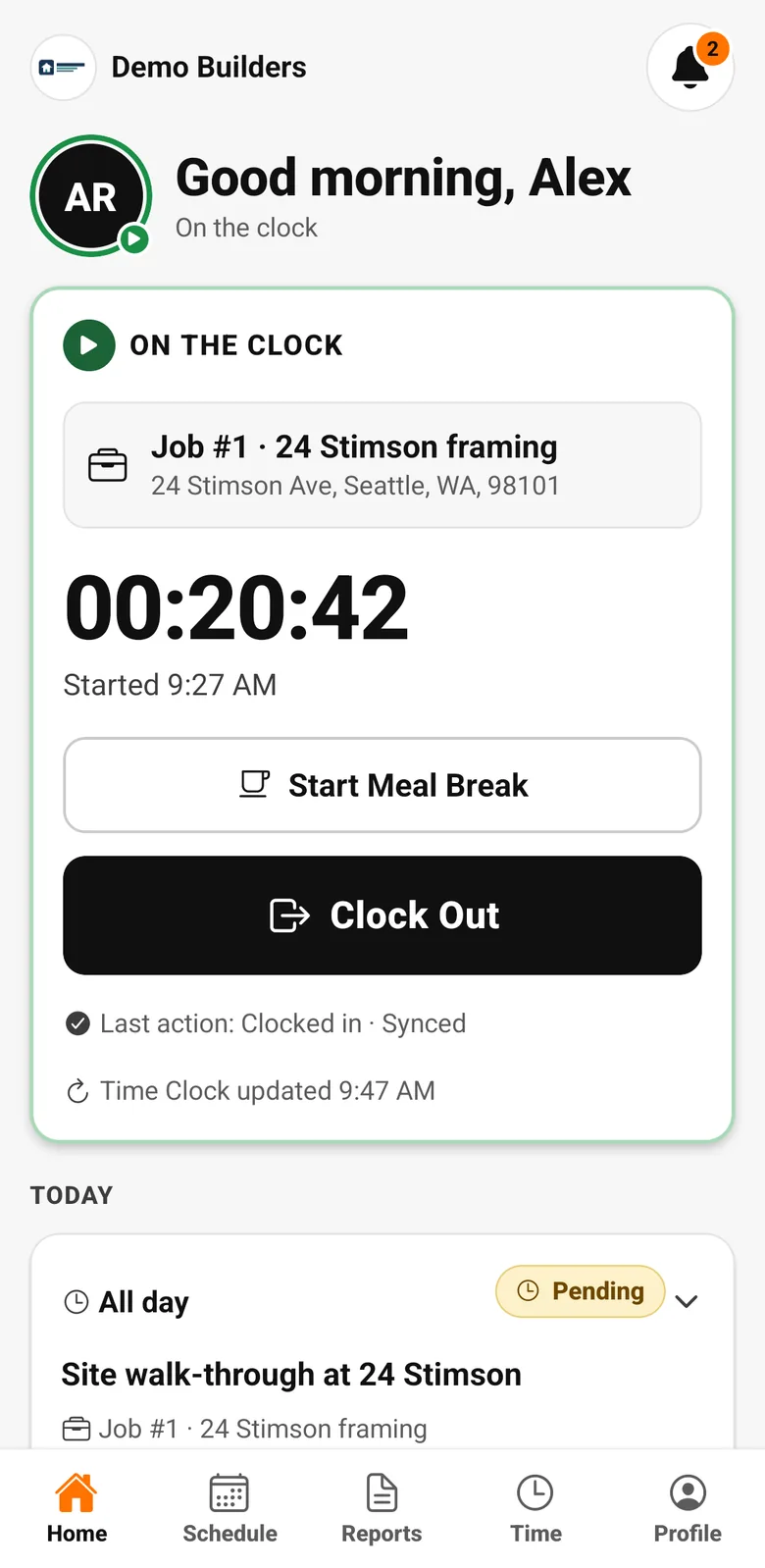
Workers clock in and out on the job from the AGT Work Crew app, with meal breaks and a location check at each clock event. It works offline and syncs safely later.
Learn more →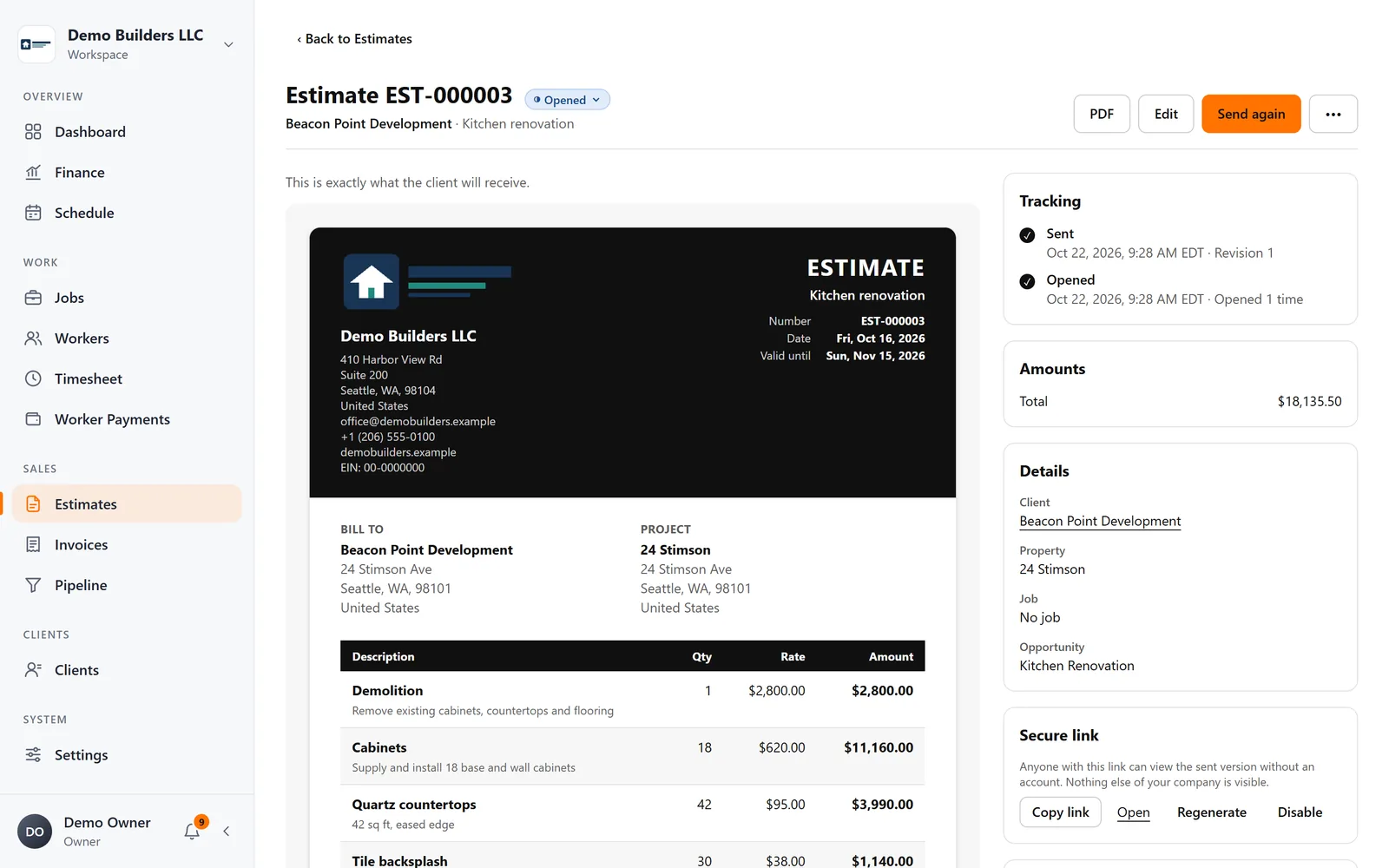
Sales & billing
Estimates & invoices
Create branded estimates and invoices, send them by email as your company, see when clients open them, and let clients approve or decline estimates online.
Learn more →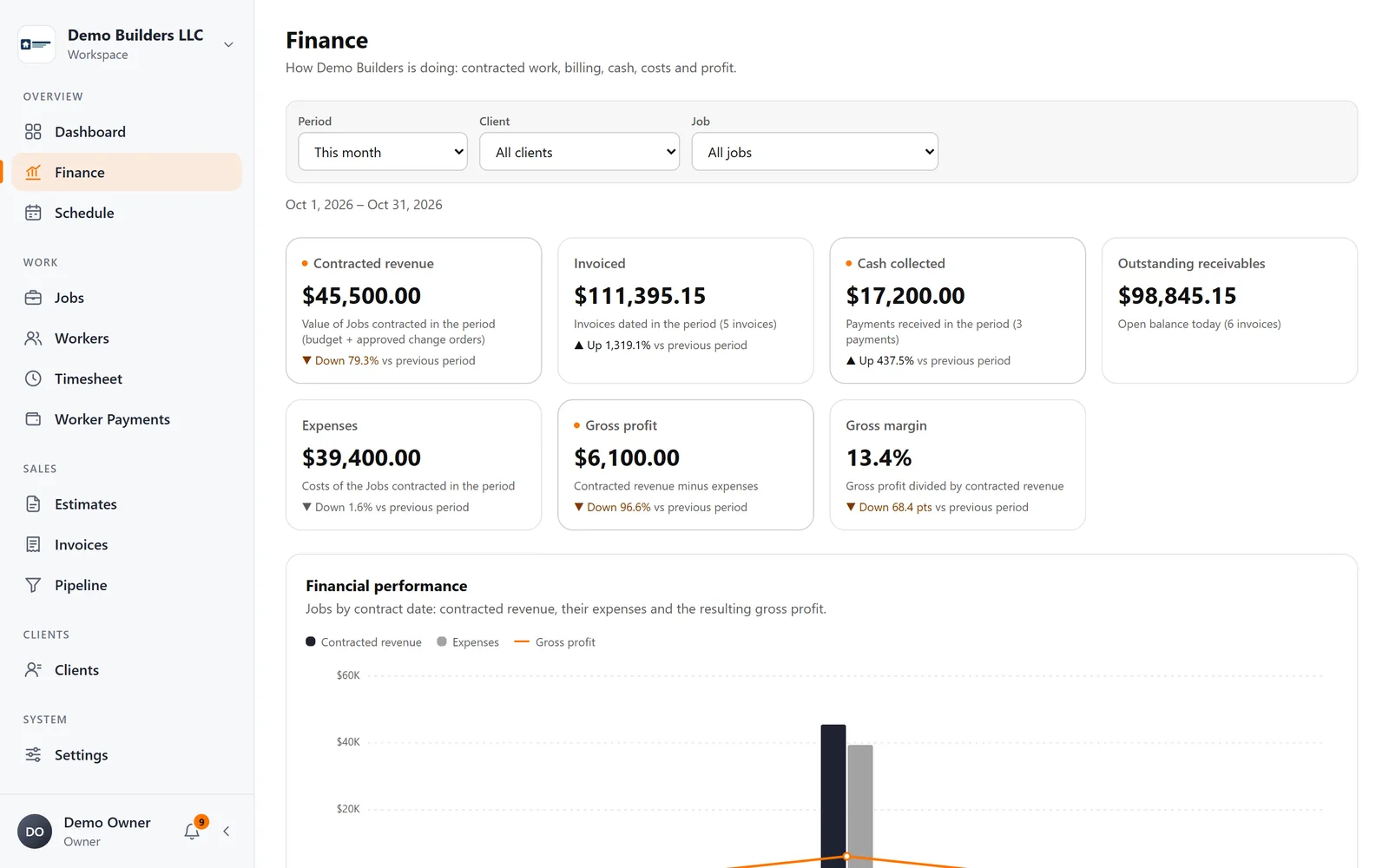
Finance
Finance dashboard
Contracted work, cash collected, outstanding balances, expenses and margin, with job profitability and receivables aging, in one dashboard.
Learn more →Run your next job with AGT Work Crew
Jobs, crew time, estimates, invoices and client updates, connected from day one.
- No credit card required
- 15-day free trial