
Let clients follow their project without calling you
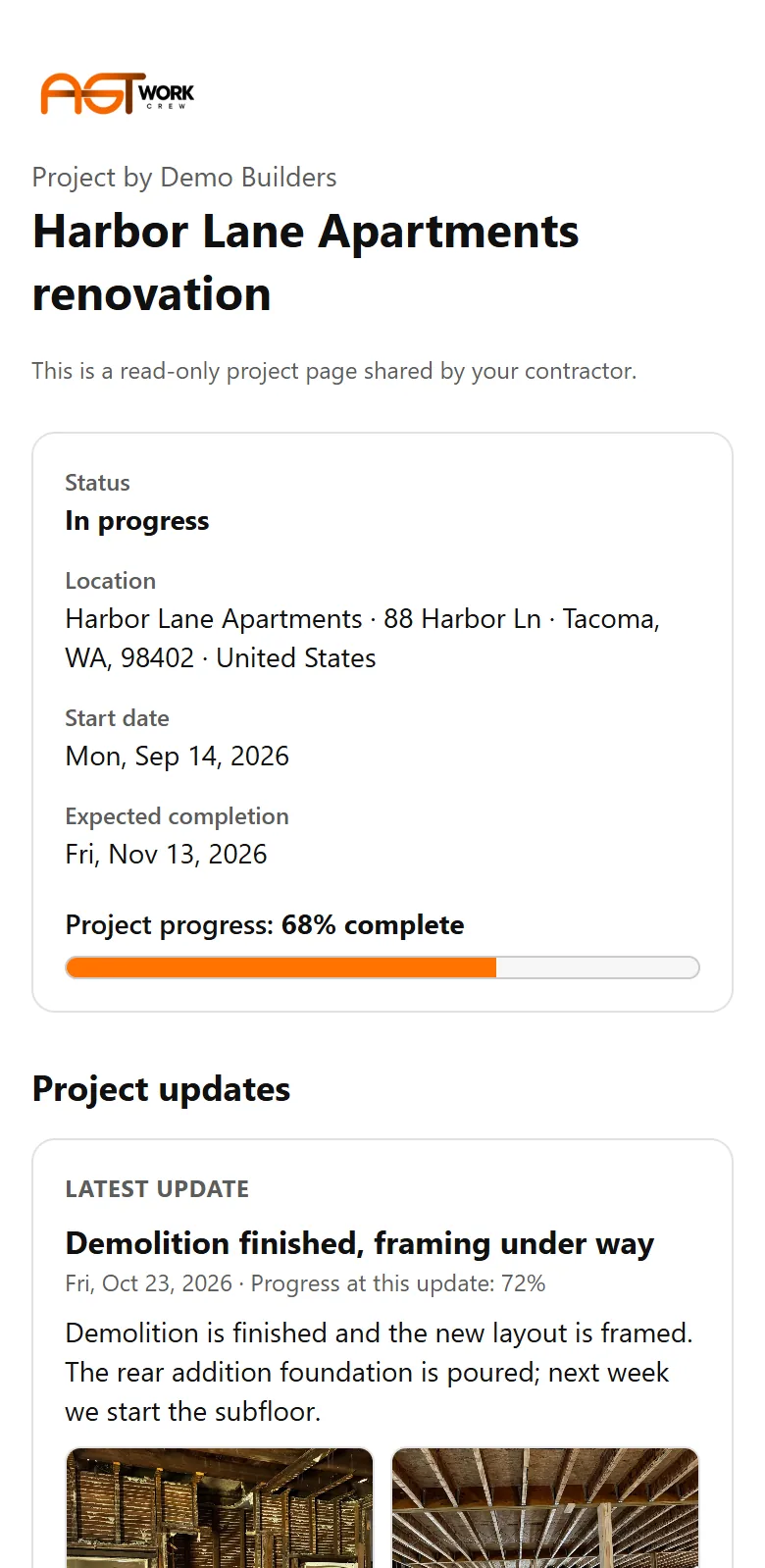
Give each client a secure project page with progress, updates, shared daily reports and photos, approved change orders and documents, with no account to create.
The problem
"How's it going?" calls eat your day
Clients want to know what's happening. Answering by phone and text, job after job, takes hours you don't have.
What you get
- Secure project page per job, no client account needed
- Progress, client updates, shared daily reports and photos
- Approved change orders and shared documents
- Email the link to the client from the job, as your company
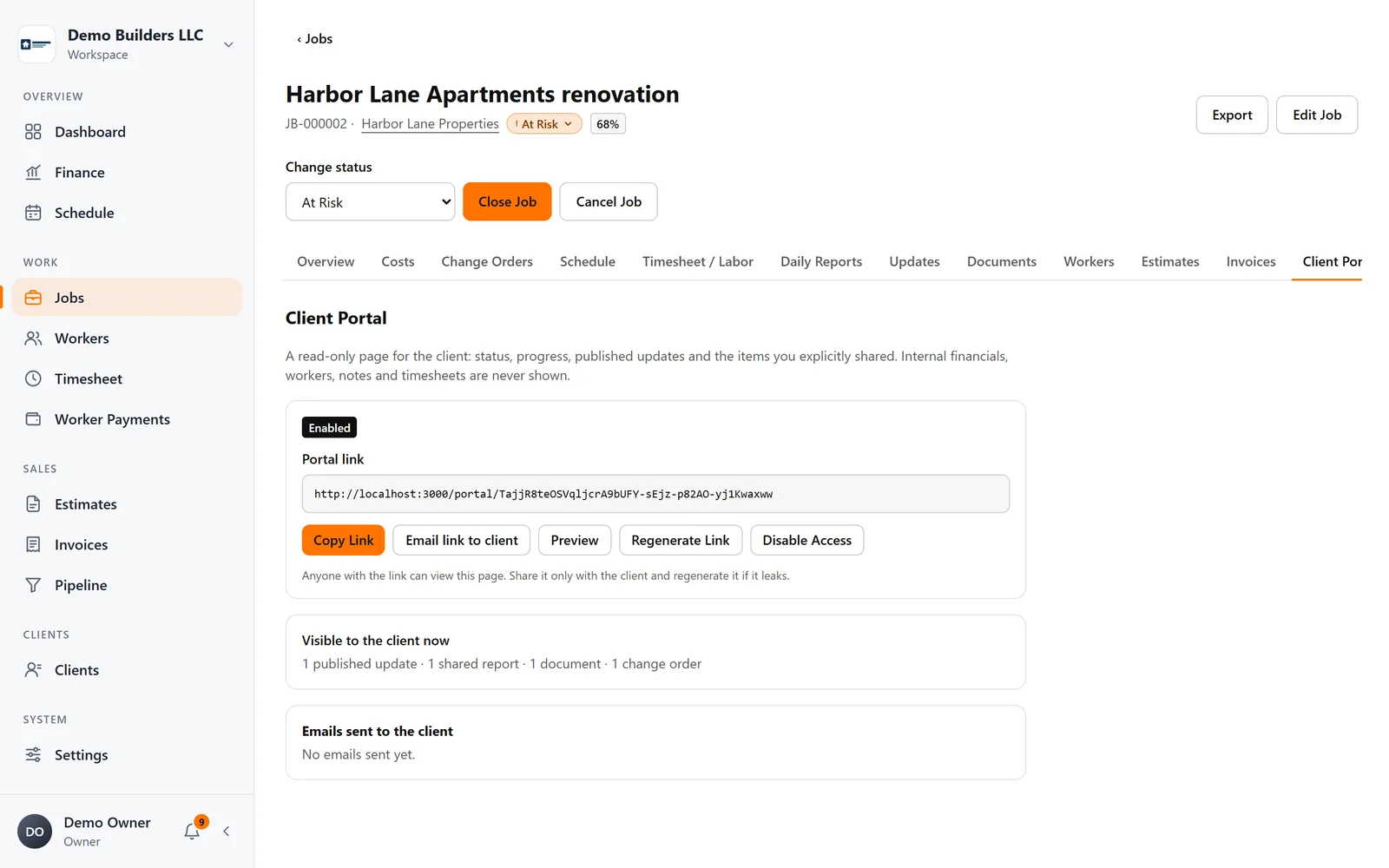
- Regenerate or disable the link at any time
How it works
Client Portal, step by step
- 1
Turn on the portal
Enable the Client Portal on a job and copy its secure link, or email it to the client as your company.
- 2
You decide what's visible
Progress, published updates, the reports you share, approved change orders and documents you mark as visible. Internal costs, workers and notes are never shown.
- 3
The client follows along
The client opens the link on any device. No account, no password.
Industries
Popular with
FAQ
Client Portal questions
Does my client need to create an account?
No. The client opens a secure link. You can regenerate or disable it at any time.
Can the client see my costs or margins?
No. The portal shows only progress and the items you explicitly share.
Works together with
Field work
Daily Reports
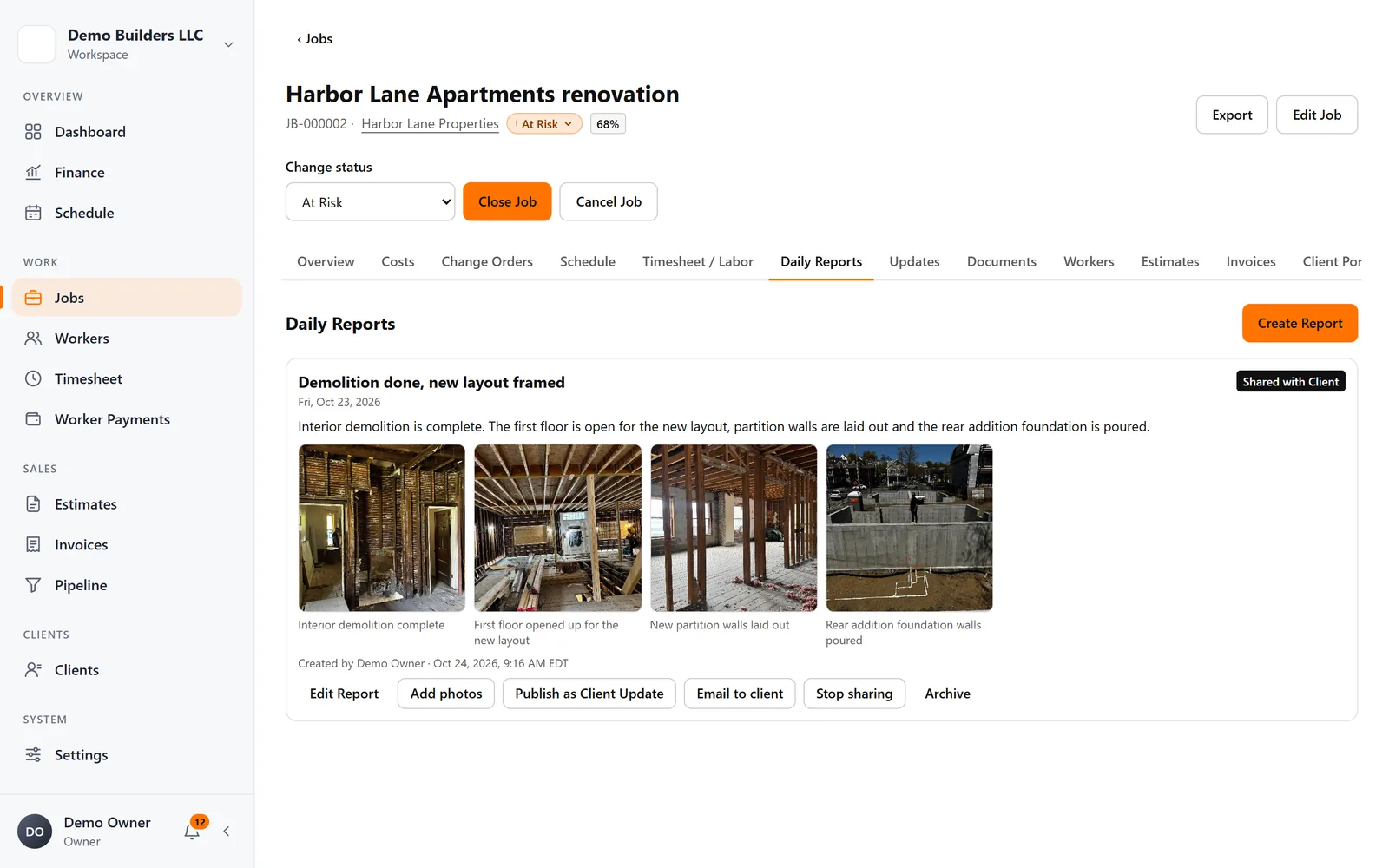
Workers or you write daily reports with photos and captions. Keep them internal, or share them with the client in the Client Portal and by email.
Learn more →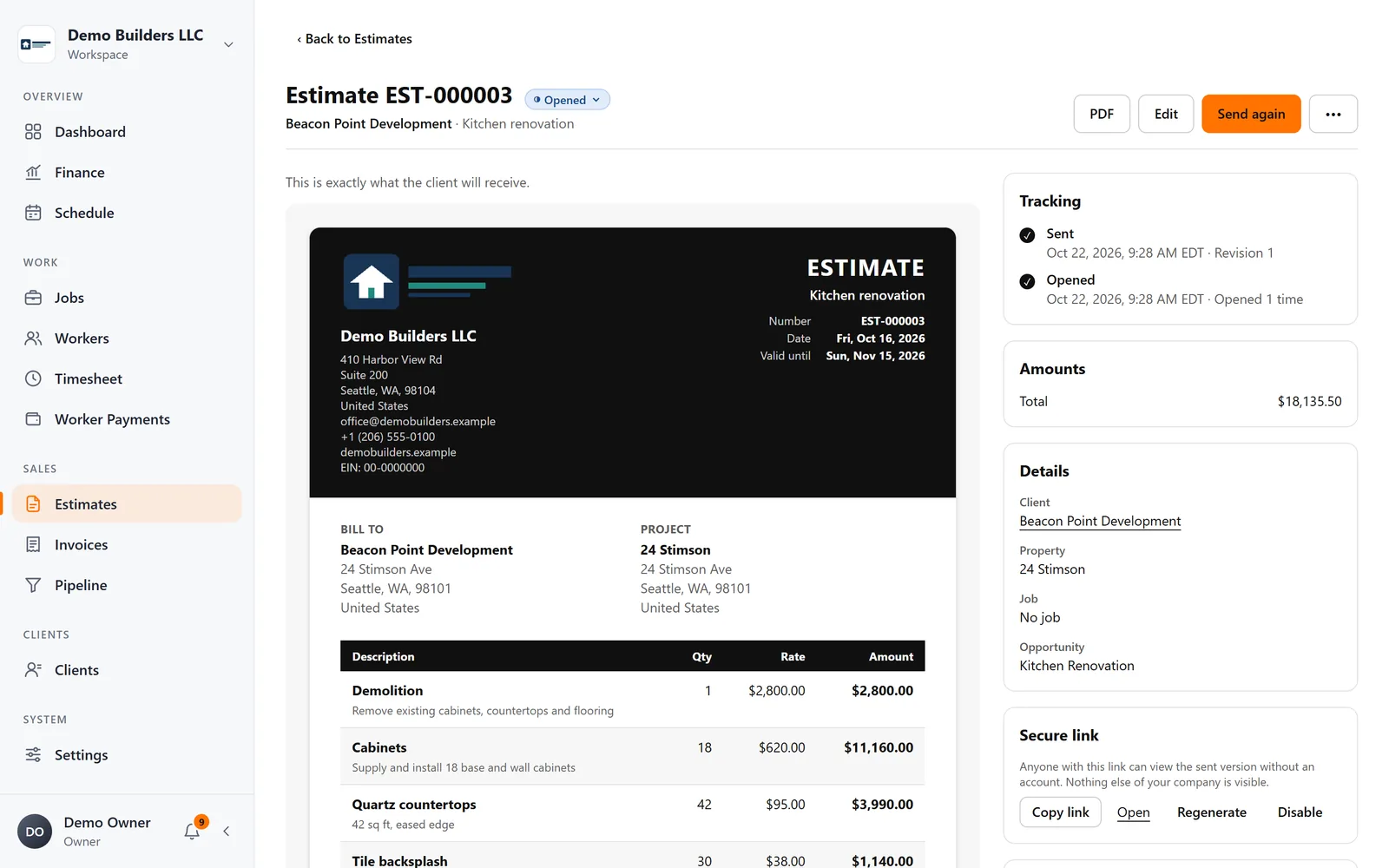
Sales & billing
Estimates & invoices
Create branded estimates and invoices, send them by email as your company, see when clients open them, and let clients approve or decline estimates online.
Learn more →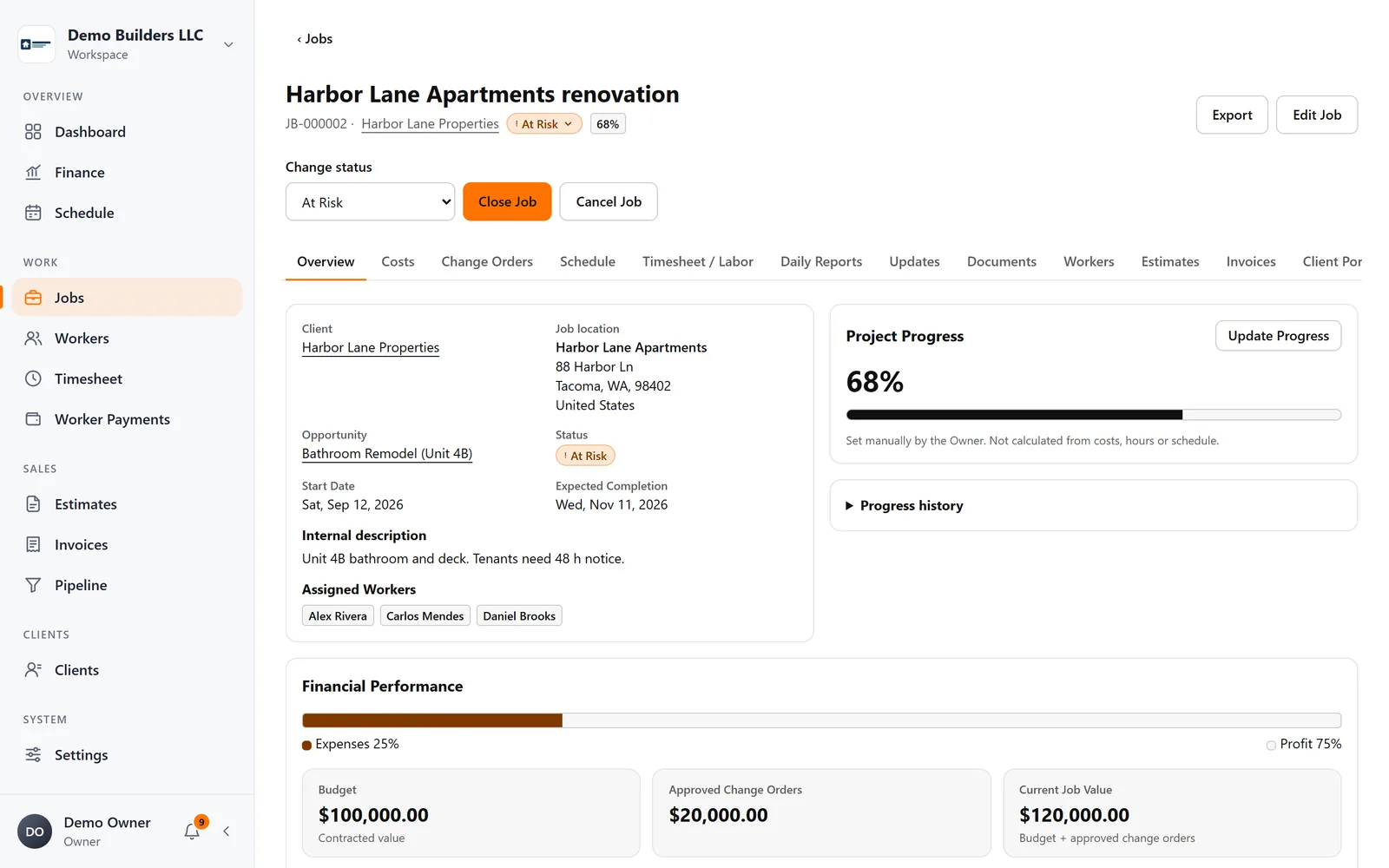
Jobs & profitability
Jobs & profitability
Track contract value, approved change orders, materials, expenses and crew labor on every job, and see profit and margin update as work happens.
Learn more →Run your next job with AGT Work Crew
Jobs, crew time, estimates, invoices and client updates, connected from day one.
- No credit card required
- 15-day free trial