
Product overview
One platform for the office, the field and your clients
AGT Work Crew isn't just a time clock. It connects the work from the first estimate to the last invoice, so every number comes from what actually happened on the job.
How it fits together
From estimate to paid, in one flow
- Step 1
Win the work
Track opportunities on the pipeline, send a branded estimate, and let the client approve it online.
- Step 2
Run the job
Turn the estimate into a job, schedule the crew, and track materials, expenses and change orders.
- Step 3
Work in the field
Your crew clocks in on site, takes breaks and submits daily reports with photos from the app.
- Step 4
Keep the client informed
Share progress, updates and reports in the Client Portal, or email them as your company.
- Step 5
Get paid and pay the crew
Invoice the job, record payments, and pay workers from the hours they actually worked.
For the Owner
The web app
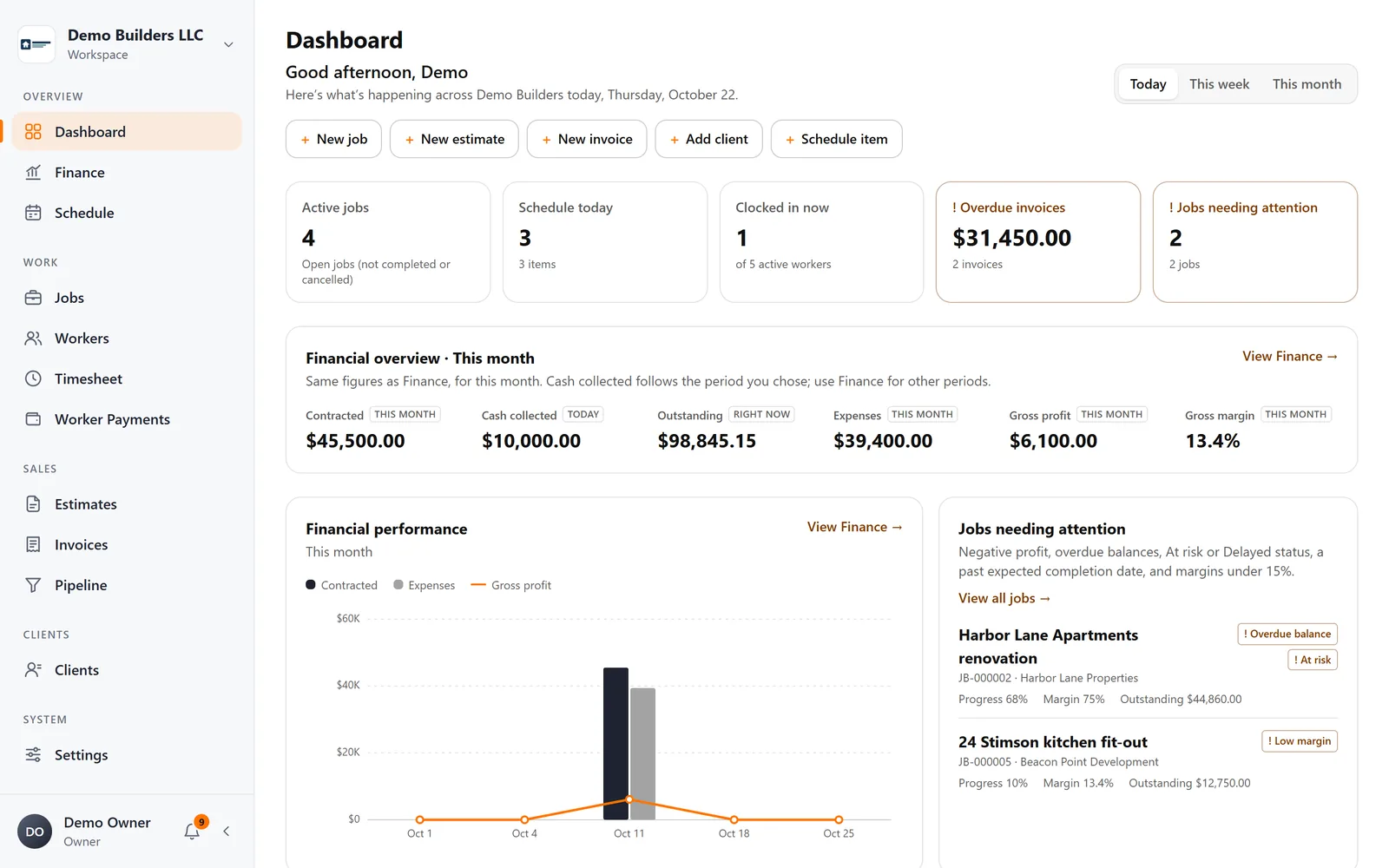
Where you run the business.
- Dashboard with what needs attention today
- Jobs, clients, schedule, estimates, invoices
- Timesheets, worker payments and finance
- Company branding on every document and email
For your crew
The worker app
iOS and Android, in English, Spanish and Portuguese.
- Clock in and out with a location check, offline
- Schedule, own hours and payment statements
- Daily reports with photos
For your clients
Secure client pages
No account, no password.
- Approve or decline estimates online
- View and download invoices
- Follow the project in the Client Portal
Run your next job with AGT Work Crew
Jobs, crew time, estimates, invoices and client updates, connected from day one.
- No credit card required
- 15-day free trial