Know your real labor cost on every job
Tie every hour to a job, use each worker's rate on the day worked, count driving and pickups, and use real labor numbers to price the next job.
By AGT Work Crew Team
When you priced the porch rebuild in Arlington, labor looked simple: two carpenters, eight days, a round hourly number in your head. Six weeks later the job is done and you honestly can't say what the labor cost. Somebody spent half a day at the lumber yard. The helper got a raise in the middle of the job. Two days were lost to rain and a late inspection. The estimate said one thing, and reality said something you never measured.
For most small construction and remodeling companies, labor is the biggest cost they control and the one they know least about.
Why labor is the cost you guess at
Materials leave a paper trail: receipts, bills, supply-house statements. Labor usually doesn't. It lives in:
- Hours written on paper or texted at the end of the week, often from memory.
- One weekly total per worker, with no split between the three jobs they touched.
- An average rate you use for everyone, even though your lead carpenter and your newest helper earn very different amounts.
With that, you can tell what you paid the crew last week. You can't tell what each job cost in labor, which is the number that decides whether your prices are right.
Tie every hour to a job
The foundation of real labor cost is simple: every hour belongs to a job. Not to "the week" and not to "the crew."
- Clock in and out on the job, not just for the day. If a worker moves from a deck in the morning to a bathroom in the afternoon, that's two entries on two jobs.
- Record hours the same day. Hours written down on Friday for the whole week are guesses with a pen.
- Review exceptions weekly. Missing clock-outs, entries on the wrong job and forgotten breaks are easier to fix when everyone still remembers the day.
Use each worker's rate on the day they worked
Once hours are tied to jobs, multiply them by the right rate. "Right" has two parts.
Each worker's own rate. If your lead earns $42 an hour and a helper earns $24 (example numbers), ten hours from each are not the same cost. An average rate hides which jobs are using your most expensive people.
The rate that applied on that date. Rates change. Someone gets a raise in March, a new hire finishes training, a returning worker comes back at a different rate. If you recalculate an old job with today's rates, its history changes and your comparison with the estimate stops meaning anything. Keep each rate with the date it started, and price every hour with the rate in effect on the day it was worked.
The hours nobody plans for
A big share of the difference between estimated and actual labor isn't slow work. It's time that never made it into the estimate:
- Driving between jobs, from the shop or out to a site an hour west of Boston.
- Pickups: the supply-house run, the rental return, the forgotten fitting.
- Waiting for an inspector, a delivery, the electrician, or a client decision.
- Setup and cleanup, especially on occupied homes where everything gets covered and uncovered every day.
- Weather days in a New England winter, when the crew shows up and spends half the morning protecting the work.
You don't need to eliminate this time. You need to decide where it goes and then price it. A simple rule works: if the time happened because of a specific job, it belongs to that job. Then look at how much of it each job really had, and stop pretending the next job won't have any.
Compare estimated and actual labor
With hours on jobs and the right rates, you can finally compare plan and reality. Here's an illustration (the numbers are an example):
- Estimated labor: 160 hours, $5,200
- Actual labor: 196 hours, $6,650
That's 36 hours and about $1,450 over. The useful question is where. Break it down by phase or by week and ask:
- Was the scope bigger than estimated? If so, was it a change order that should have been priced?
- Did one phase run long? Demolition and prep are common surprises on older Greater Boston homes.
- Did the mix of workers change? More hours from your highest-paid people raise cost even when total hours match.
- How much was travel, pickups and waiting?
Do this while the job is running, not only at the end. A labor overrun you spot in week two can still be managed. One you discover after the final invoice can only be learned from.
Use it to price the next job
Real labor cost is most valuable on the next estimate:
- Replace rules of thumb with your own history. If your last three bathroom remodels averaged far more hours than you priced, believe the history.
- Price travel and pickups on purpose, especially for jobs farther from your base.
- Price by crew mix, not one average rate.
- Revisit after rate changes. When you raise rates, your old prices may no longer cover the same hours.
How AGT Work Crew helps
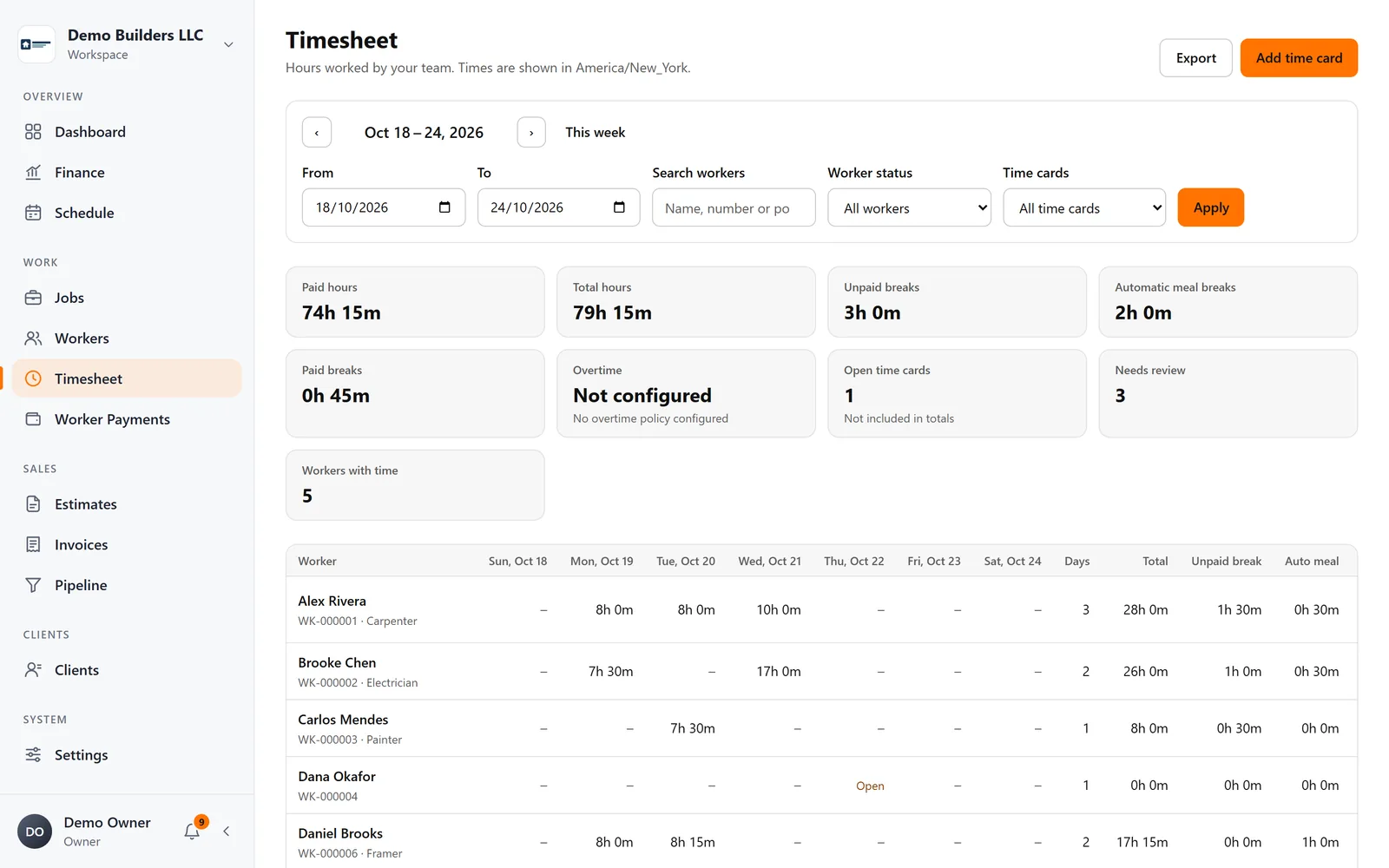
AGT Work Crew connects the hours your crew works to the jobs they work on, and turns them into labor cost on each job.
- Workers clock in and out per job from the app, with meal break start and end. It works offline and syncs safely later.
- Entries that need attention go to a review queue, so you check the exceptions instead of every line.
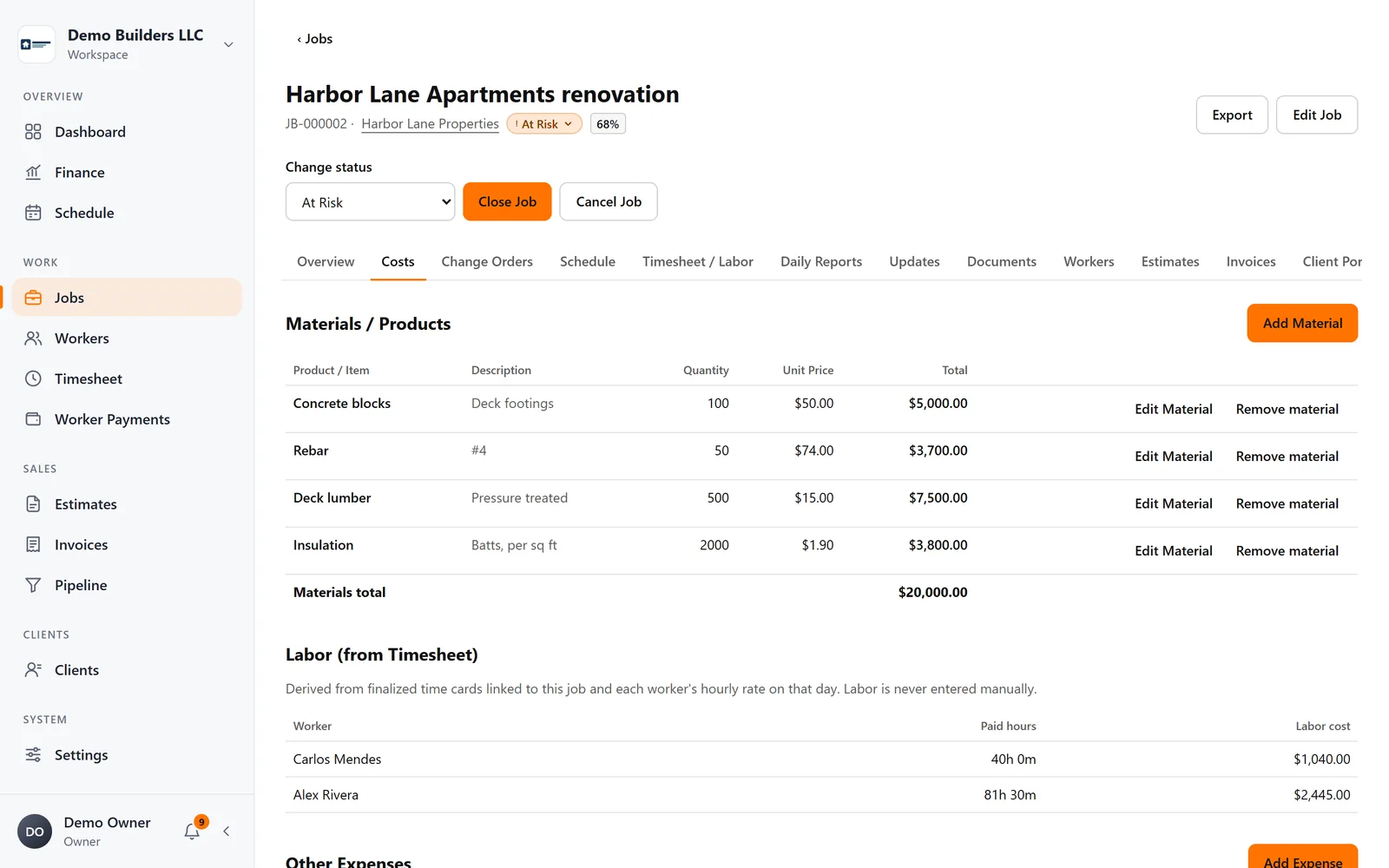
- On each job, labor cost comes from the hours clocked on that job (or that you enter), multiplied by each worker's hourly rate for that date. Rates can change over time without rewriting history.
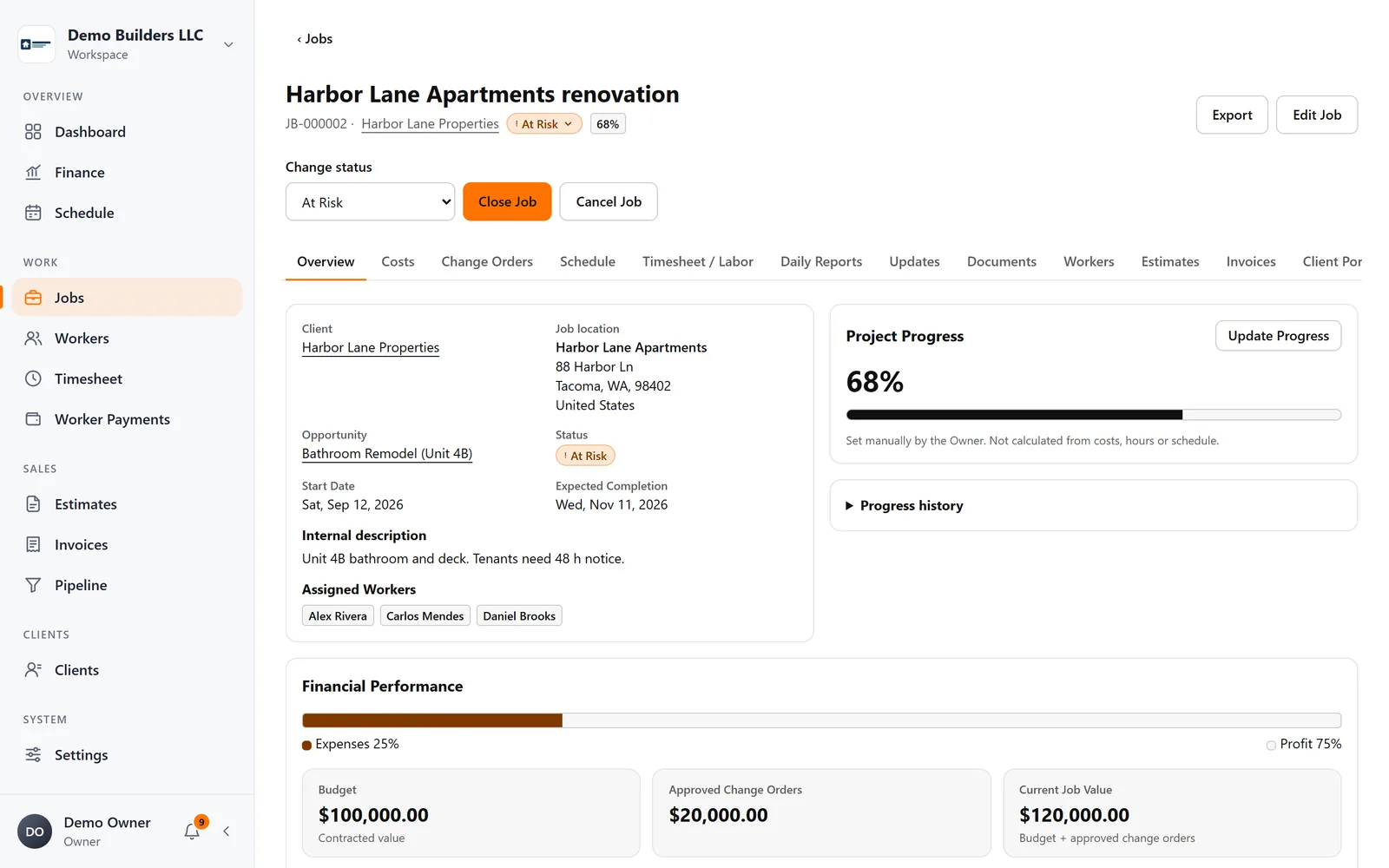
- Each job shows materials, other expenses and labor, with profit, margin and cost ratio kept up to date.
When you know what labor really costs, every estimate gets better. See the time clock in AGT Work Crew.