The daily log checklist: what to record on every job site, every day
Weather, crew, work done, deliveries, inspections, delays, client requests and photos: a daily log checklist for contractors.
By AGT Work Crew Team
Six weeks into a gut renovation in Cambridge, the client calls. The tile is a week late and they want to know why. You remember the supplier pushed the delivery, and the plumbing inspector came on a Tuesday... or was it Thursday? Somewhere there's a photo of the soaked subfloor from the day the roof leaked, on someone's phone. Without a daily log, you're arguing from memory. With one, you just open the record.
A daily log takes ten minutes at the end of the day. It saves hours later, and sometimes a lot of money.
Why a daily log matters
A good log works for you in three ways:
- With the client. "What did you do this week?" has a clear answer, with dates and photos.
- When something goes wrong. Delays, damage and disputes are settled by what was written down at the time, not by who remembers it better.
- For the next job. Looking back at how long the framing really took on the last triple-decker makes your next estimate more accurate.
The daily log checklist
You don't need a novel. You need the same few things, every day, on every job.
1. Date, job and weather
Start with the basics: the job, the date and the conditions. In New England, weather is often the real reason work stops. Note rain, snow, wind and extreme cold, and whether they stopped exterior work, delayed a concrete pour or kept the roofers home. "Rain all morning, siding paused until 1 pm" is a sentence you'll be glad you wrote.
2. Who was on site
List your crew and any subcontractors who showed up, with roughly how long they were there. If the electrician was scheduled and didn't come, write that down too. A no-show is part of the story of a delay.
3. Work completed
Describe what got done in plain terms, by area: "Second floor bathroom: cement board installed and taped. Kitchen: upper cabinets hung on the north wall." Specific beats vague. "Worked on kitchen" won't help anyone in three months.
4. Deliveries and materials
Record what arrived, what was missing and what was damaged. Late or wrong deliveries are among the most common causes of delay, and a note on the day is the best proof you have when you talk to the supplier or the client.
5. Inspections and visits
Write down every inspection (who, what was inspected, passed or not) and every visit: the client, the architect, a neighbor with a complaint. Older Boston-area towns often have tight streets and close neighbors, so a quick note about a parking or noise complaint can matter later.
6. Issues and delays
This is the section people skip, and the one that matters most. Note anything that slowed the job or may change the cost: rot behind a wall, old wiring in a 1920s colonial, a missing part, a design question waiting on the client. Write what happened, what you did about it and what you're waiting for.
7. Client requests and changes
When a client asks for something on site ("Can we move that outlet?"), record it the same day. Requests that turn into extra work should become change orders, approved before the work is done. The daily log is where that conversation starts.
8. Photos, with captions
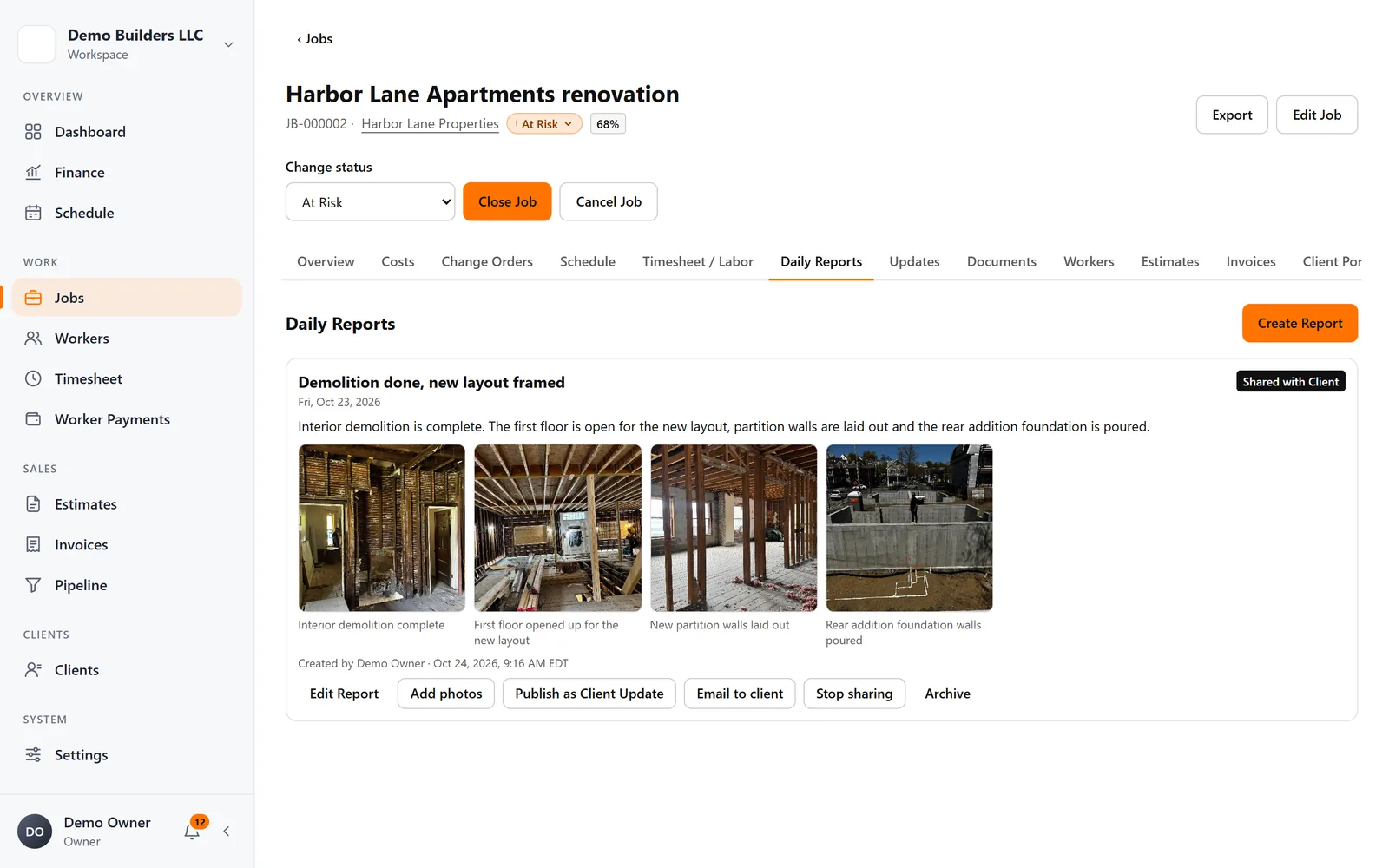
Take photos of progress, of anything that will be covered up (framing, plumbing and wiring before drywall), of deliveries and of every problem. Then add a short caption. A photo called "IMG_4471" is hard to use later. A photo captioned "Water damage at rear wall sill, found during demo" is evidence.
A simple rule for photos: if it's about to be hidden behind drywall, tile or flooring, take a picture first.
Make it a habit, not a chore
The best log is the one that actually gets written. Keep it short, keep it in one place and make it part of closing the day, not something you catch up on Friday night. Let the lead on site write it, in the language they're most comfortable with, from the phone they already carry. In a basement or an old brick building with no signal, they should still be able to start it and send it later.
How AGT Work Crew helps
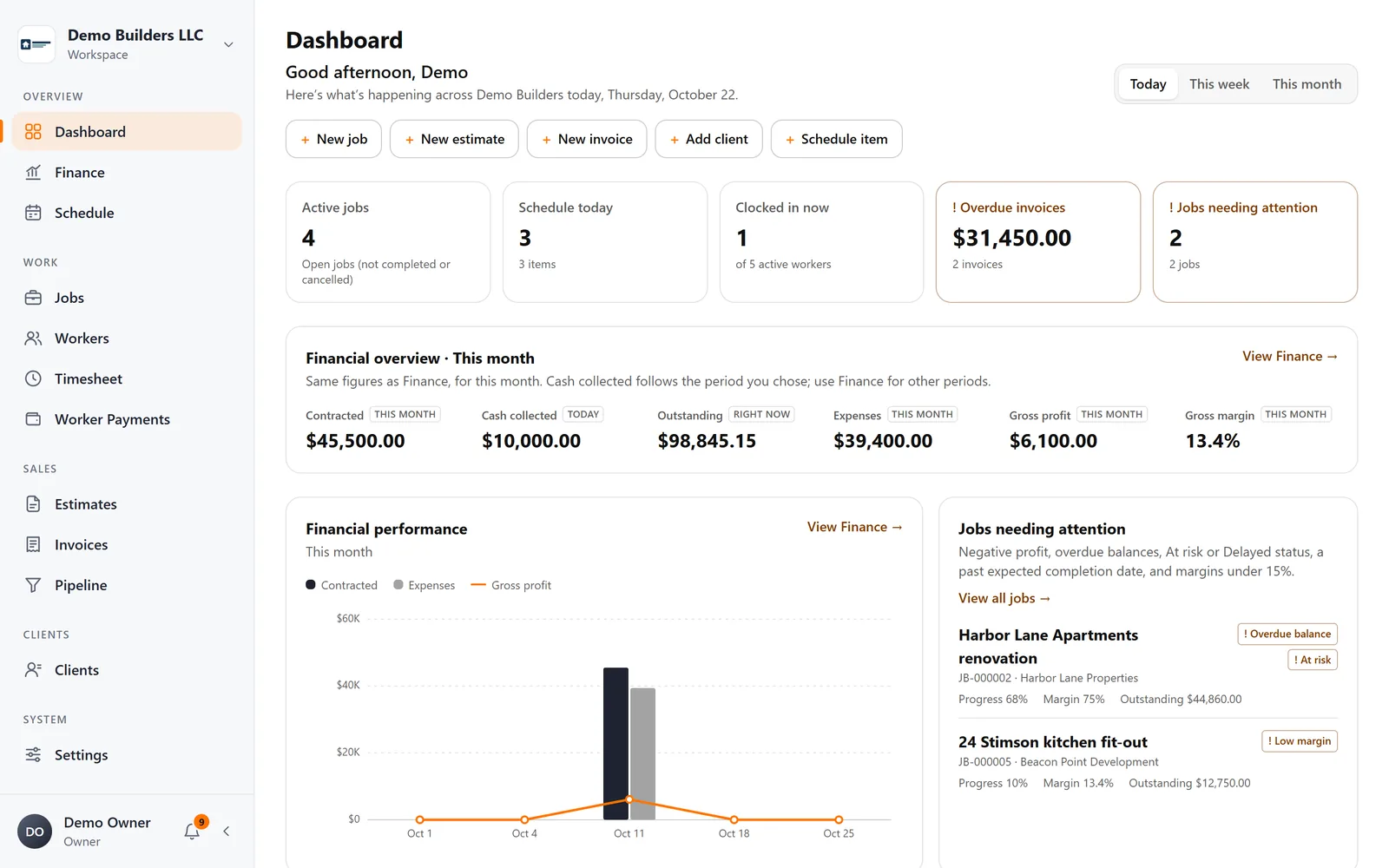
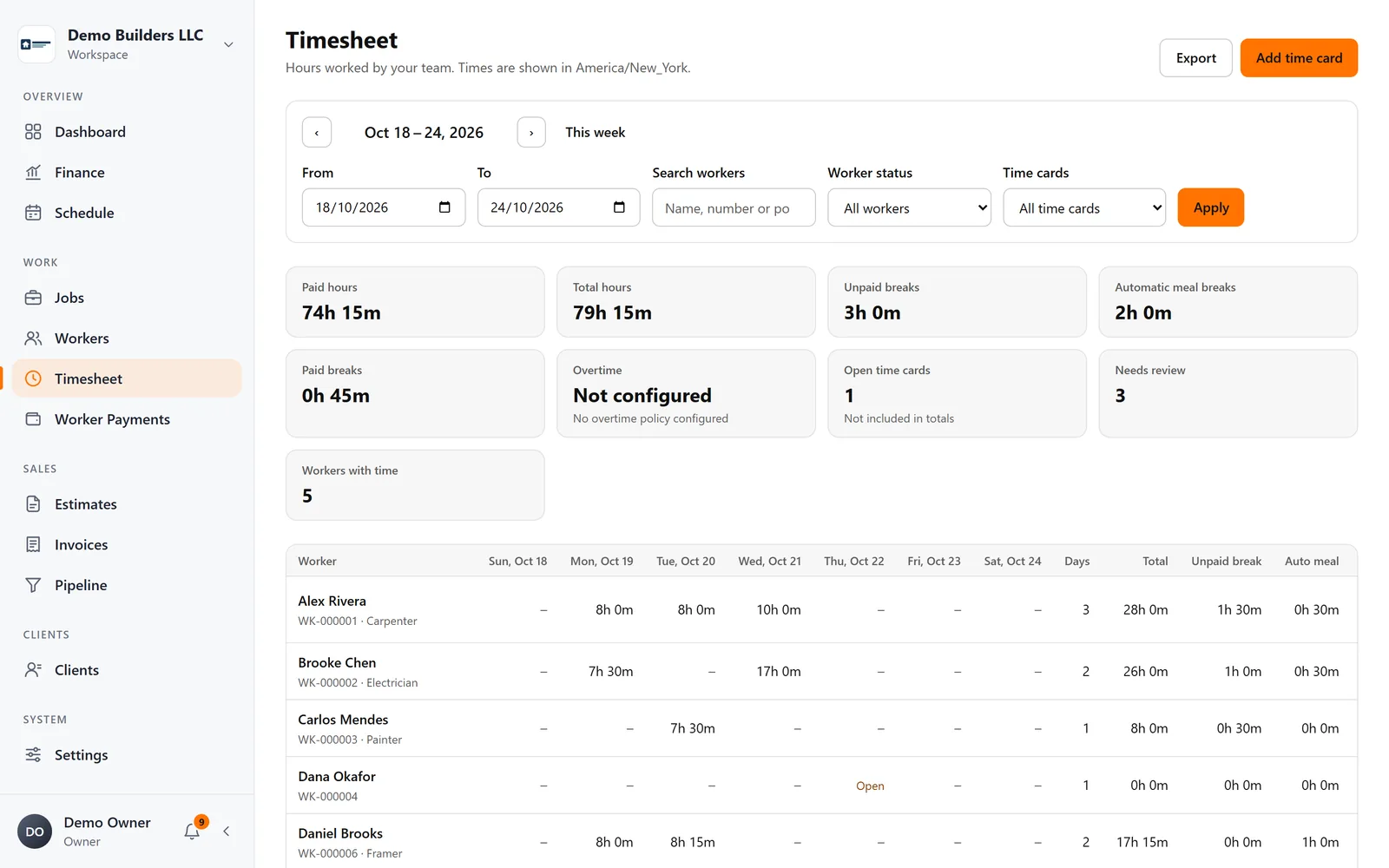
Daily reports in AGT Work Crew keep the log on the job, where it belongs:
- Workers write a report in the app with photos and captions and submit it. You're notified when it arrives.
- Drafts work offline on the phone and are submitted when the connection returns.
- You can also write reports yourself on the web.
- Reports and photos are stored with the job and private by default.
- When you choose, share a report with the client in the Client Portal, or email it with photo thumbnails. Internal notes are never shared.
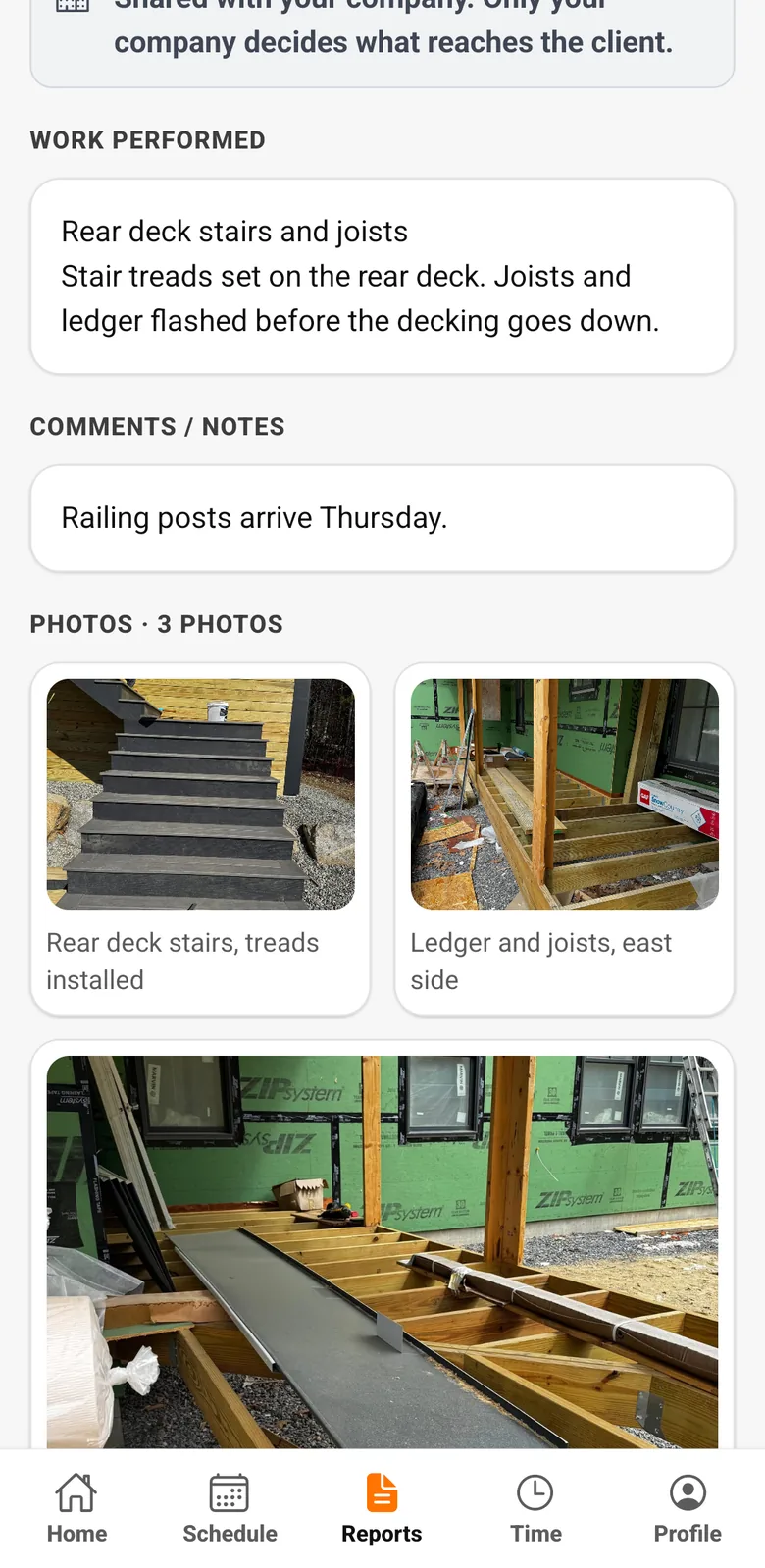
A few minutes of notes and photos every day turn "I think it was Tuesday" into a clear record of the job. See how daily reports work.