How to confirm your crew is on the job without following them all day
Check location at clock-in and clock-out, set a sensible job-site radius, review only the exceptions and talk to the worker before you assume.
By AGT Work Crew Team
It's 7:40 on a cold Tuesday and you're at a bathroom remodel in Arlington. Your other crew is supposed to be starting a porch rebuild in Waltham, but nobody has answered your text. Are they on site and busy, stuck on Route 2, or at the supply house? You could call every half hour, or you could install something that follows everyone's phone all day. Neither one is a good way to run a crew.
You need to know your people are where the work is. You don't need to watch them every minute to get there.
Why following your crew all day backfires
Constant tracking feels like control, but on most small crews it costs more than it gives back:
- Good workers take it personally. The carpenter who has shown up early for six years hears "I don't trust you." Some of them start looking at other outfits.
- It creates noise, not answers. A dot on a map at 10:15 doesn't tell you whether the tile is going down. A trip to the lumber yard looks the same as a long coffee.
- It eats your time. If you have to watch it, you end up checking a screen instead of running jobs and selling the next one.
- It drains goodwill you'll need later. The week you need someone to stay late to beat the rain or the first snow, trust matters more than any map.
What you actually need is narrower: was this person at the job when they started, and when they stopped? That's a much smaller question, and it has a much simpler answer.
Check location at the clock events only
The fair middle ground is a location check at the moment a worker clocks in and clocks out, and nowhere in between. Here's how to set it up so it works:
- Clock in on the job, per job. Hours belong to a specific job, and the check compares the worker's position with that job's site.
- Pick a sensible radius for each kind of work. A tight radius works for a single-family house in Medford. A large commercial lot, a new subdivision or a job where the crew parks down the street needs more room. Phones aren't perfectly precise, especially between tall buildings or inside old brick and plaster, so leave some margin.
- Decide whether location is required. For some crews or jobs it makes sense to require it. For others, an entry without location is fine as long as someone looks at it.
- Keep the rules the same for everyone. The same radius logic and the same expectations, whether it's the foreman or the newest helper.
Review the exceptions, not every line
Once location is checked at each clock event, most entries take care of themselves. A worker clocked in at the job, clocked out at the job, and the hours look normal. You don't need to open those.
Your attention goes to the short list of entries that stand out:
- Clocked in or out outside the radius. Maybe they started from the truck at the end of a long driveway. Maybe they clocked out on the way home.
- No location at all. Location was turned off, the phone couldn't get a reading, or the worker was deep in a basement.
- Hours that don't fit the day. A ten-hour shift on a day the job wrapped up at noon.
Set aside a few minutes a couple of times a week, before the hours are closed for the period, and go through only those.
Talk to the worker before you assume
A flagged entry is a question, not a verdict. In practice, most of them have an ordinary explanation:
- The crew got sent to pick up materials before heading to the site.
- The job address is a large lot and the work is happening on the far corner.
- Someone forgot to clock out and did it from the driveway at home.
- The phone died in the afternoon, so the clock-out happened later, somewhere else.
Ask the simple question: "Your clock-out on Thursday shows away from the site. What happened?" Most of the time you get a clear answer and fix the entry with a note. If the same thing keeps happening with the same person, then you have a real conversation to have, and you have the record to have it calmly.
Treat the review list like a punch list, not an accusation. Fix what needs fixing, write down why, and move on.
Be open with the crew about what's checked
The best way to avoid resentment is to explain the system before day one, in the language your crew is most comfortable with. Around Boston that often means English, Portuguese and Spanish on the same crew. Cover four things:
- What is checked: location at clock-in and clock-out, compared with the job site.
- What is not: nothing follows them while they work, on breaks or after they leave.
- What happens if an entry is flagged: someone looks at it and asks, and nothing is changed without a reason.
- Why you do it: so hours are paid correctly and every job shows its real labor cost.
When workers know exactly what's checked, a clock-in stops feeling like surveillance and starts feeling like what it is: the start of a paid shift.
How AGT Work Crew helps
The time clock in AGT Work Crew is built around this approach:
- Workers clock in and out per job from the app, with meal breaks started and ended with one tap.
- The app takes one location reading at each clock event and compares it with the job site. Nothing runs in the background, so workers aren't followed during the day.
- You set the job-site radius from 50 m to 50 mi, and choose whether location is required.
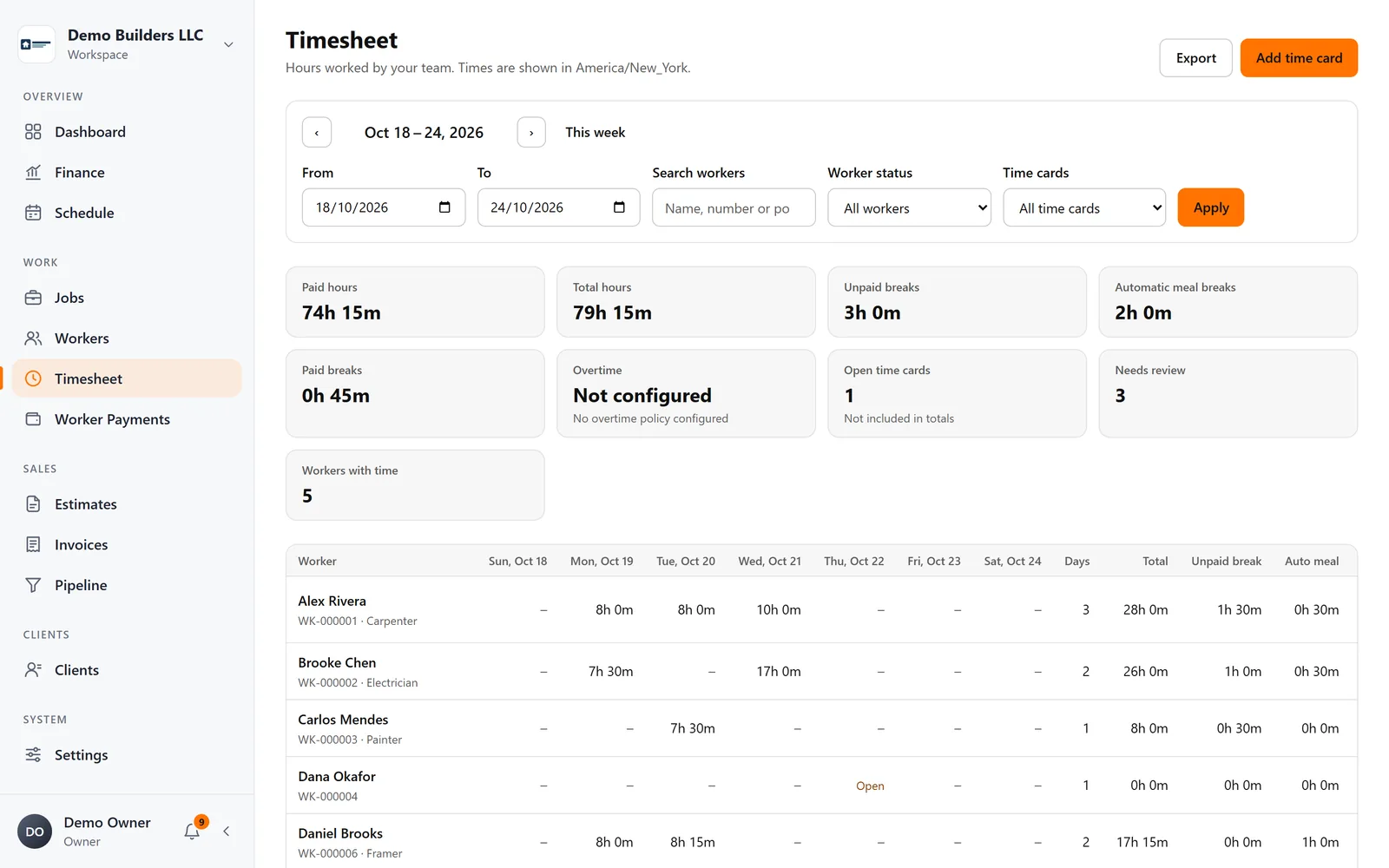
- Entries outside the radius or without location are marked Needs review, with the reason, so you check the exceptions instead of every line.
- It works offline: clock events are stored on the phone and sync when the connection is back.
- Company rules also cover the automatic meal-break deduction, applied the same way for everyone.
You get confidence that the crew is on the job, and the crew keeps its trust in you. See how the time clock works.