
Plan the crew's week and keep everyone on the same page
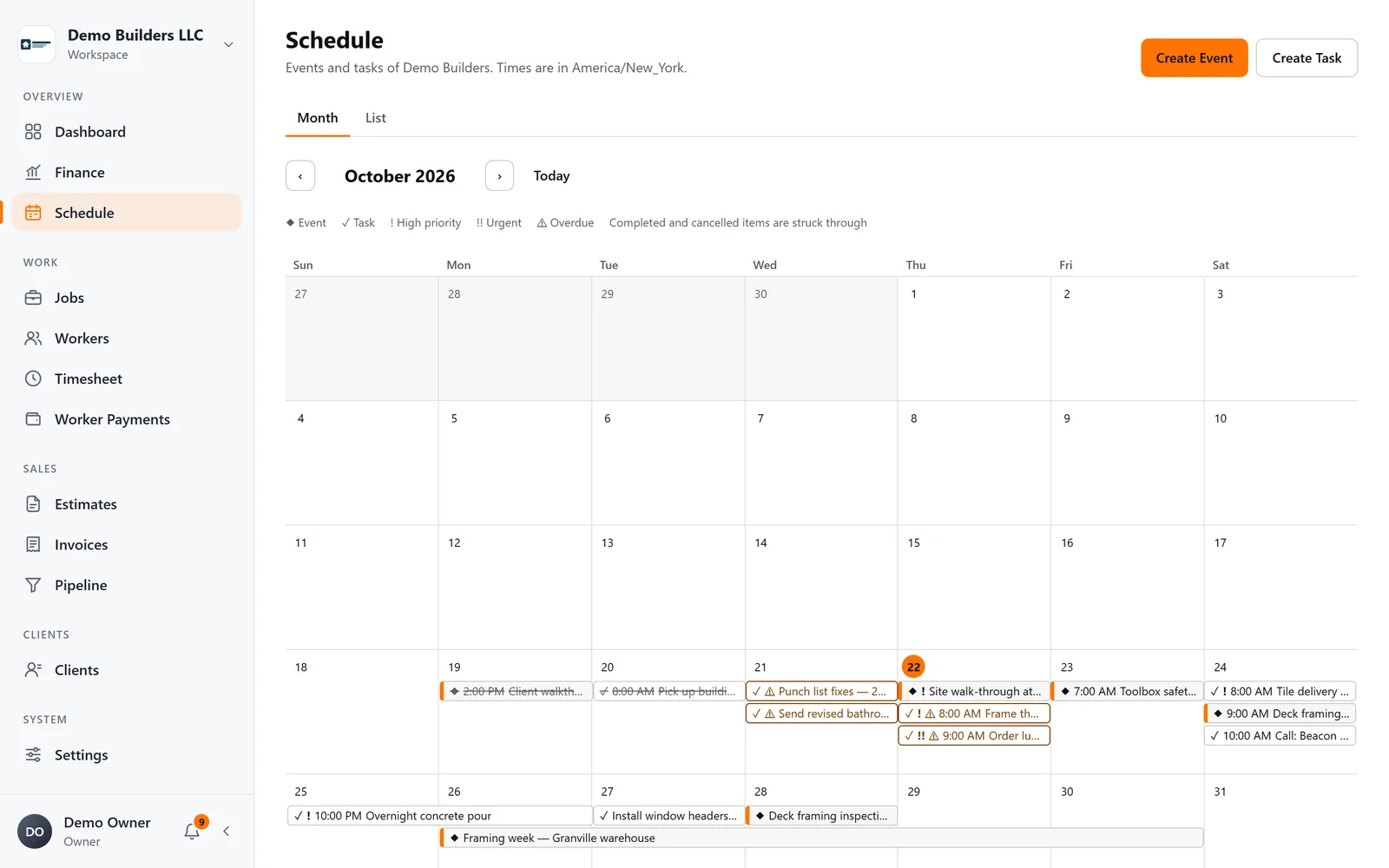
Schedule events and tasks, assign workers, link them to clients, properties and jobs, and let workers see their schedule in the app.
The problem
A schedule in your head doesn't scale
Group texts and phone calls every morning leave crews at the wrong site and clients waiting.
What you get
- Events and tasks: date-only, timed or multi-day
- Month and list views
- Worker assignments
- Linked to clients, properties, opportunities and jobs
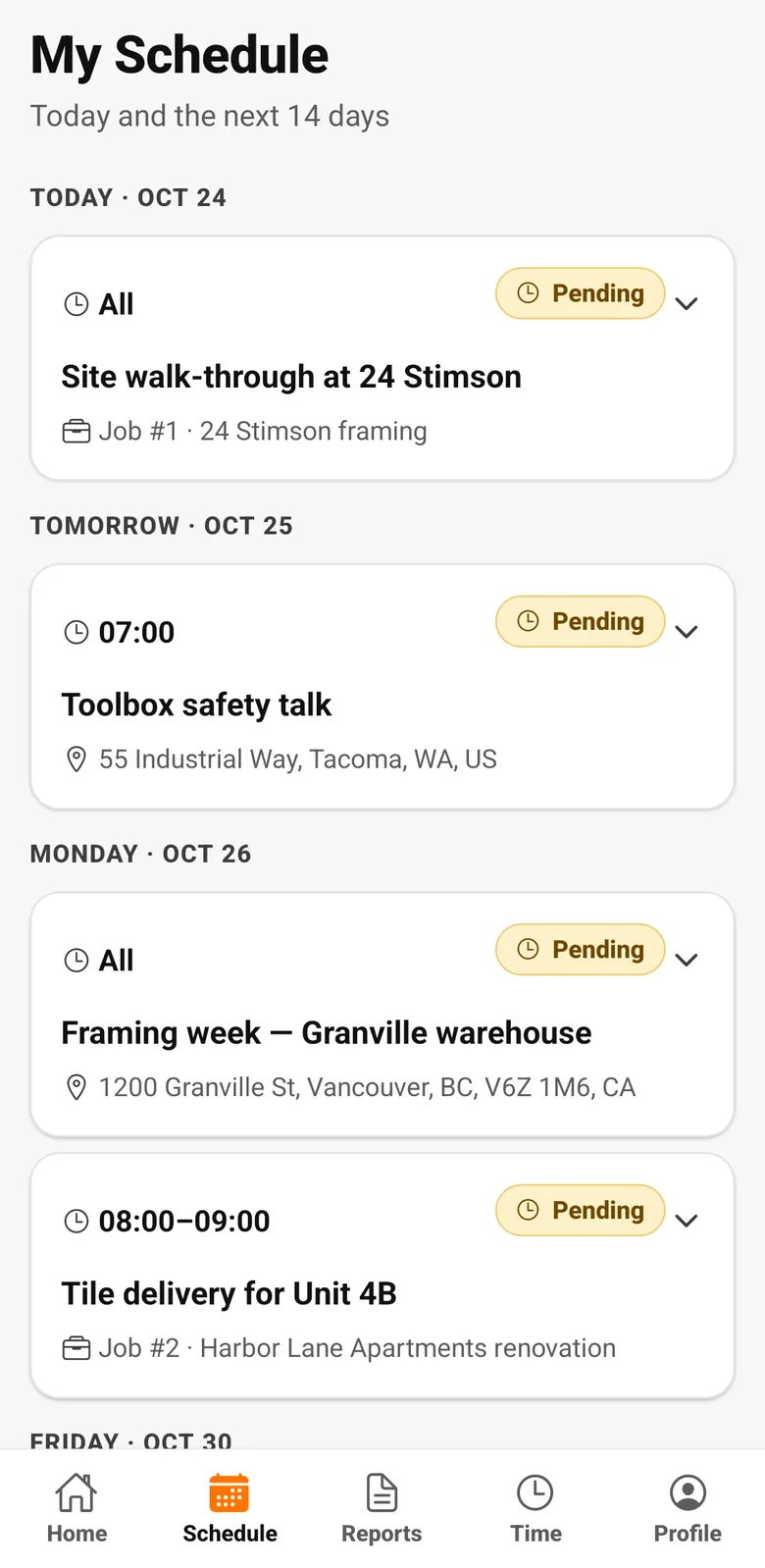
- Workers see and update their schedule in the app
How it works
Scheduling, step by step
- 1
Plan it
Events and tasks for a date, a time or several days, in month or list view.
- 2
Assign the crew
Assign workers and connect the item to the client, property or job it's for.
- 3
Workers see it
Workers see their schedule in the app and update the status as they go.
FAQ
Scheduling questions
Can I create recurring visits?
Not yet. Each event or task is scheduled individually today.
Works together with
Crew & pay
Worker app
Workers clock in, see their schedule and hours, submit daily reports with photos and check their payments, in English, Spanish or Portuguese.
Learn more →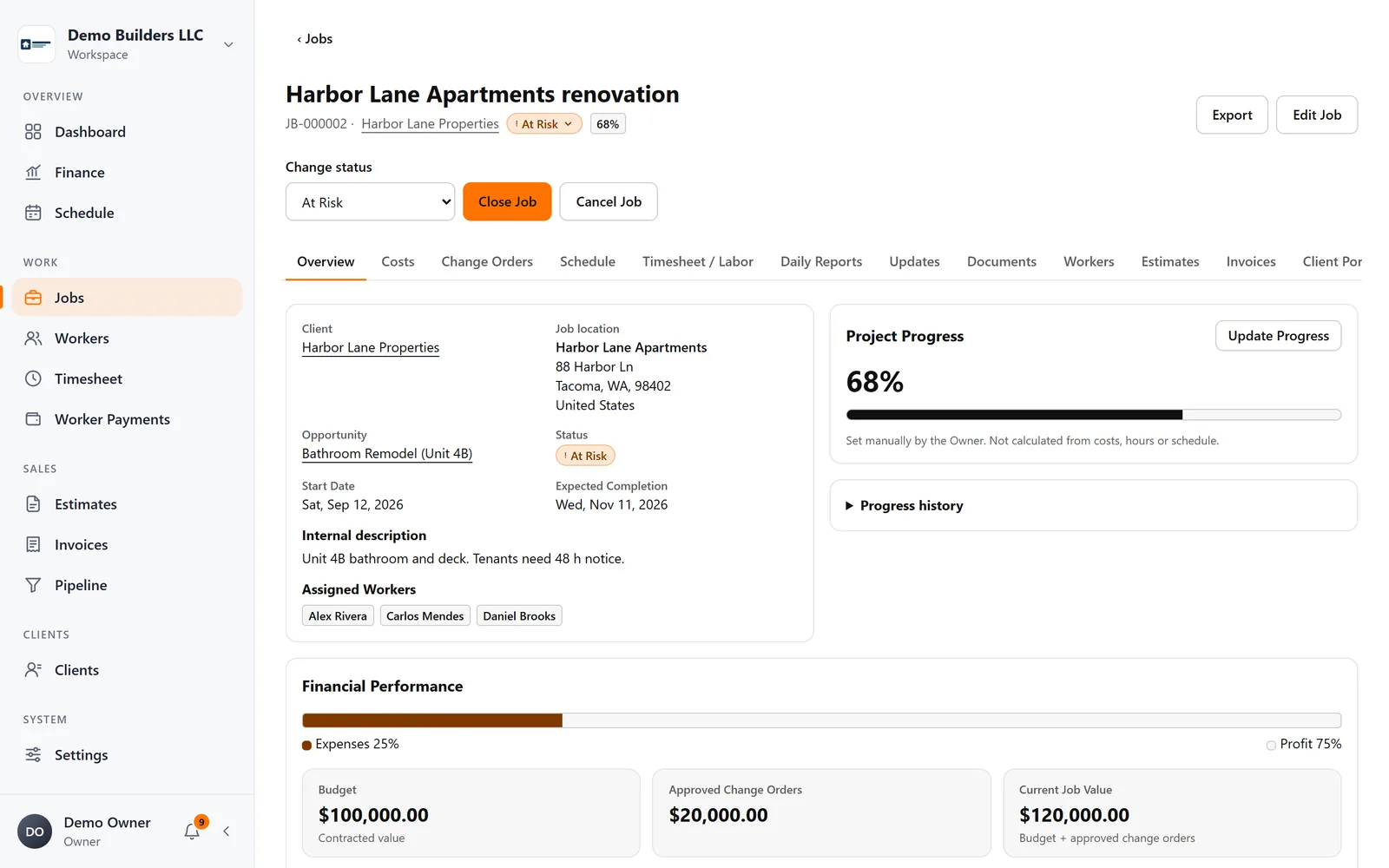
Jobs & profitability
Jobs & profitability
Track contract value, approved change orders, materials, expenses and crew labor on every job, and see profit and margin update as work happens.
Learn more →Run your next job with AGT Work Crew
Jobs, crew time, estimates, invoices and client updates, connected from day one.
- No credit card required
- 15-day free trial