
An app your crew will actually use
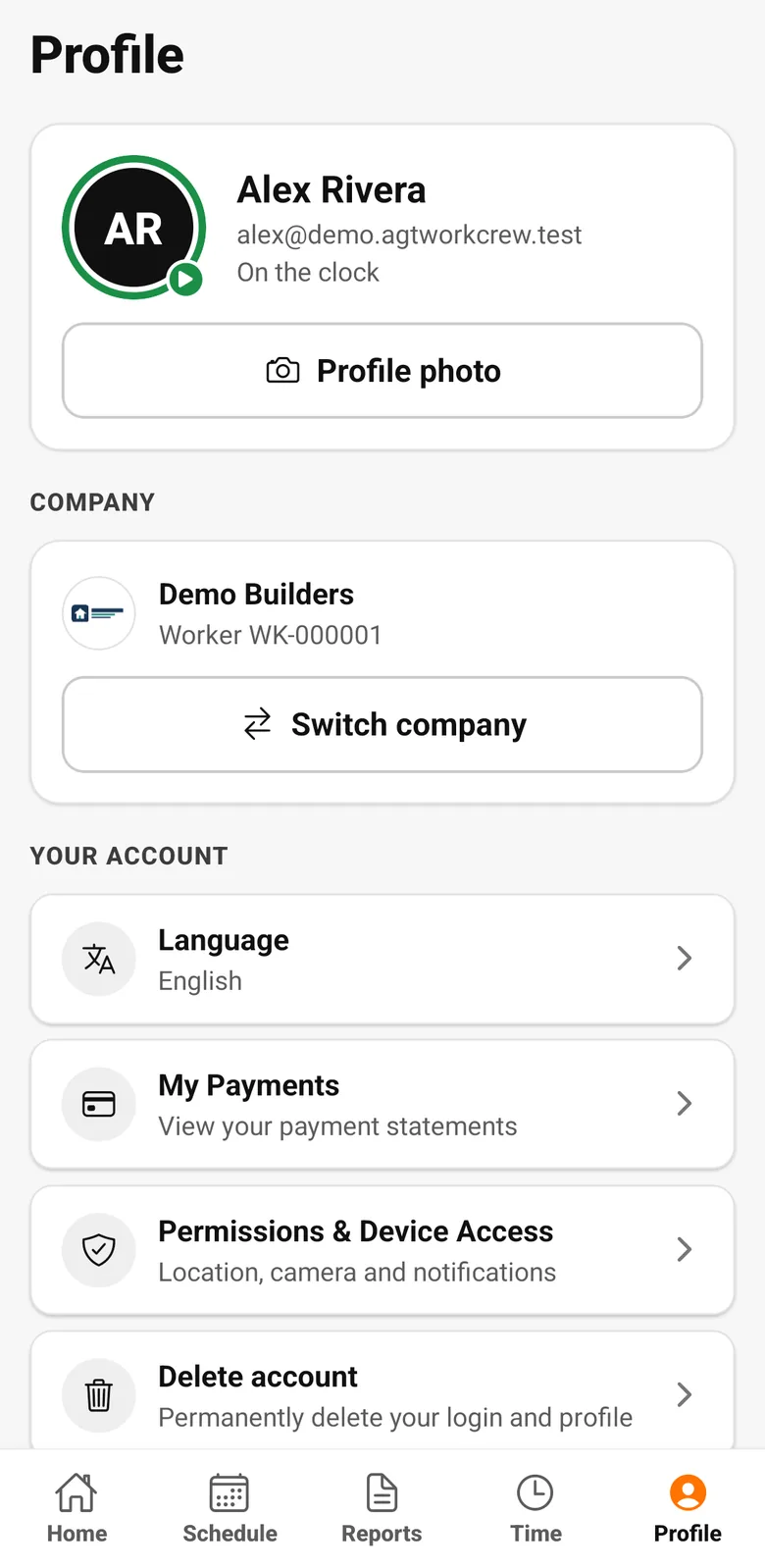
Workers clock in, see their schedule and hours, submit daily reports with photos and check their payments, in English, Spanish or Portuguese.
The problem
Field software fails when the crew won't use it
Complicated apps, English-only screens and no signal on site mean the data never gets in.
What you get
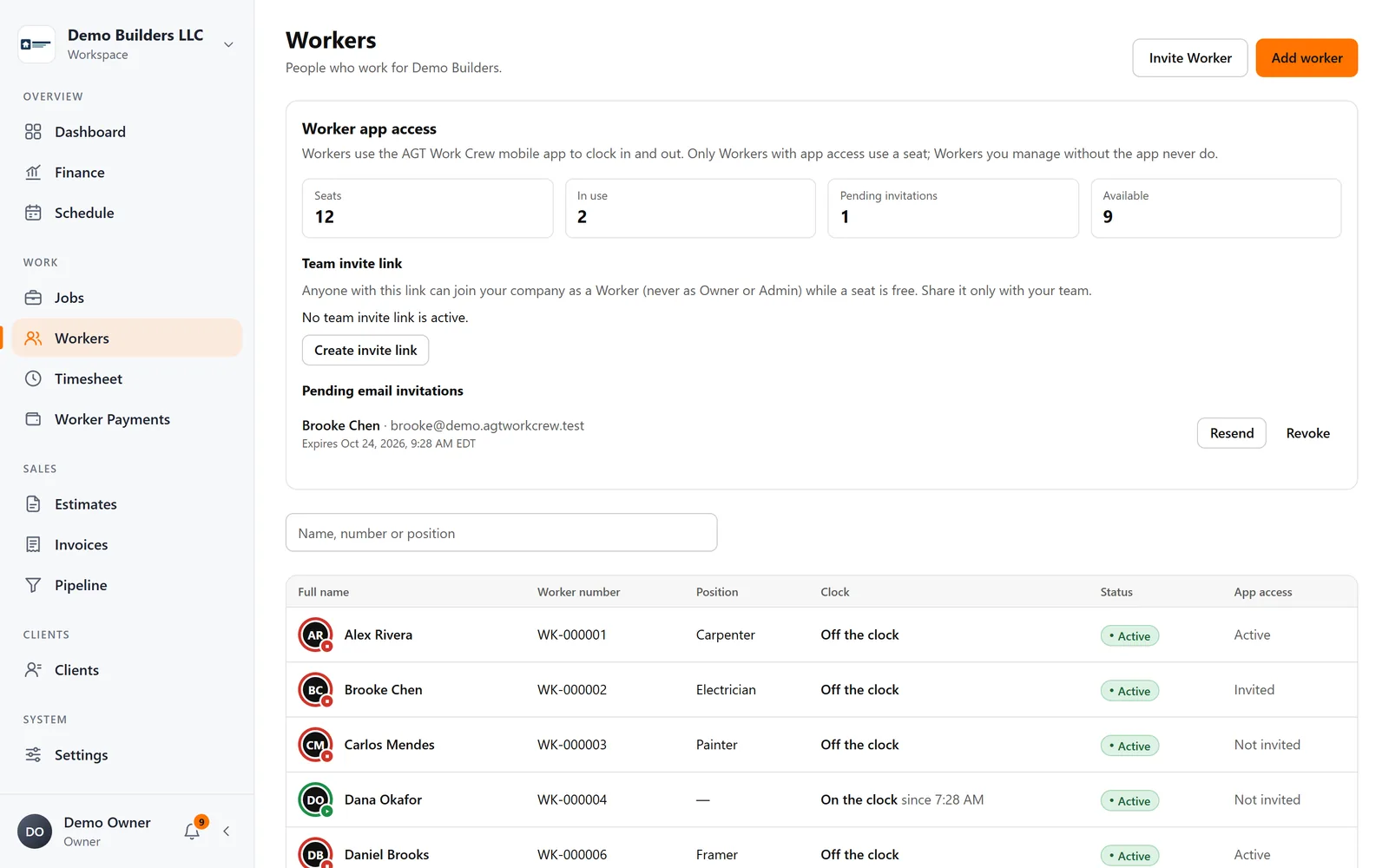
- Email invitations or a team link / QR code
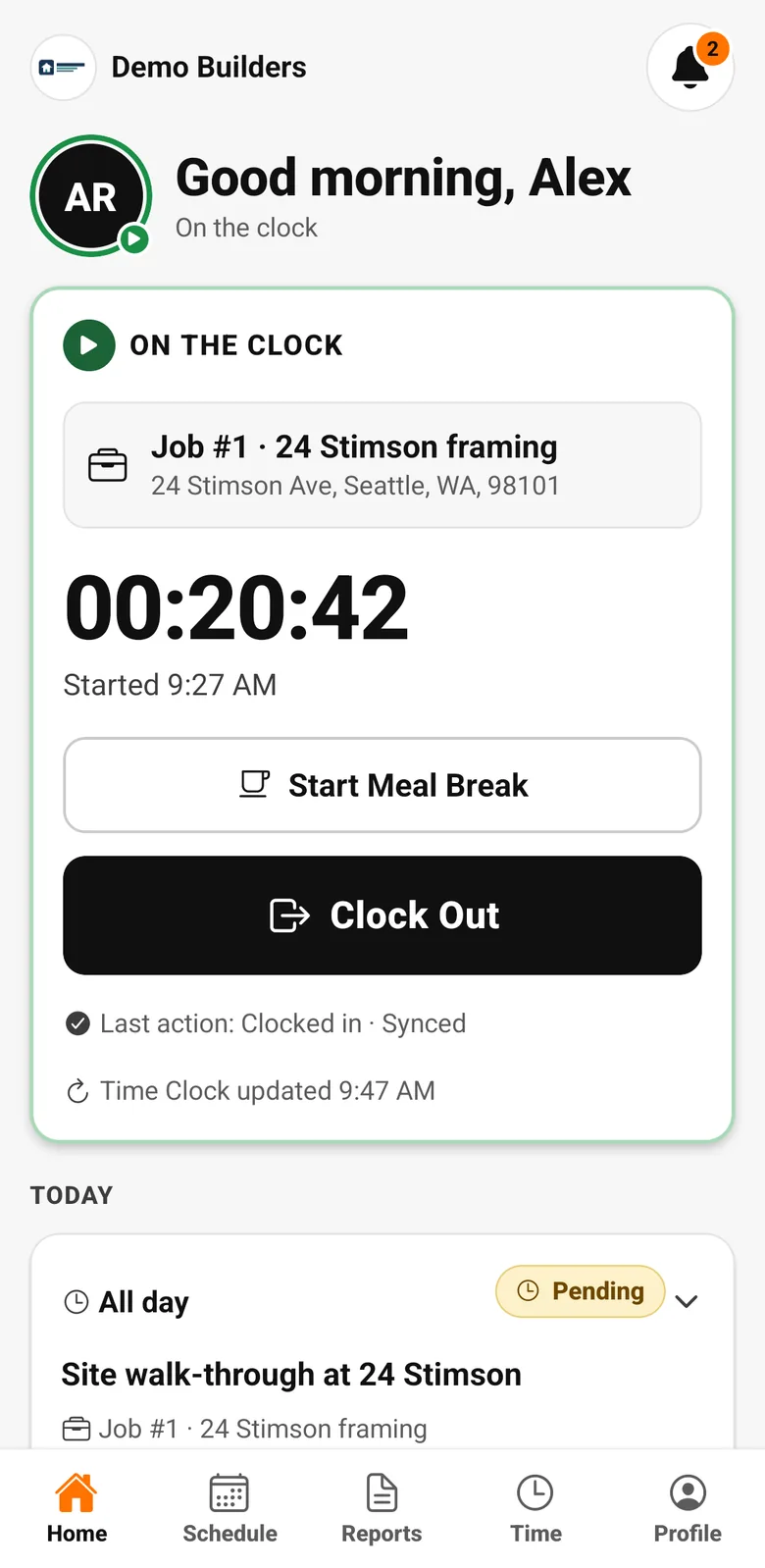
- Clock in / out, breaks, location check, offline
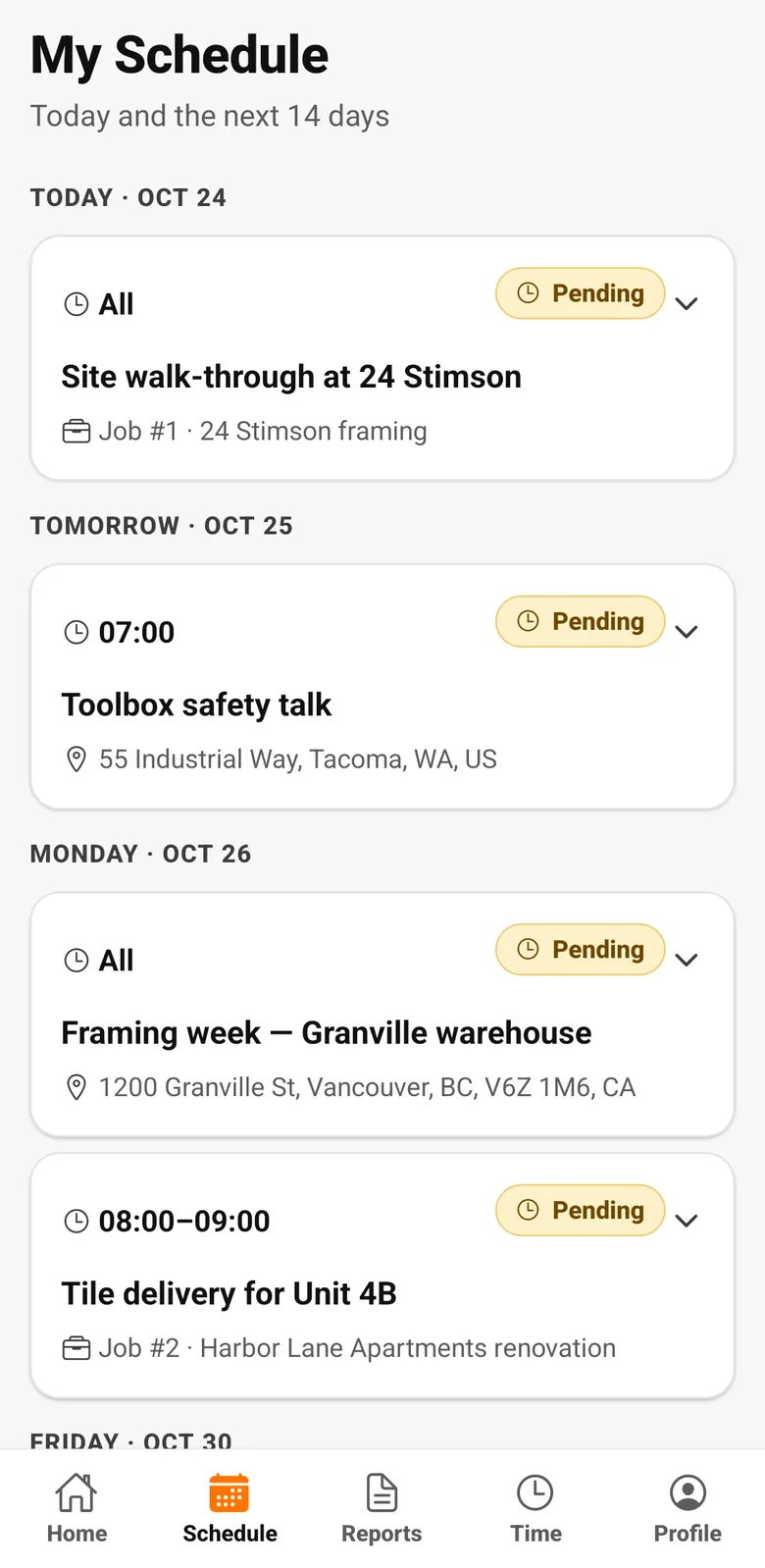
- Schedule, own timesheet and payments
- Daily reports with photos
- English, Spanish and Portuguese
- One login for workers who work for more than one company
How it works
Worker app, step by step
- 1
Invite the crew
Send an email invitation or share a team link or QR code. Workers join your company in the app.
- 2
Simple daily use
Clock in and out, start and end breaks, see the schedule, submit reports with photos.
- 3
Their language, their data
English, Spanish or Portuguese. Workers see their own hours and payment statements, nothing else from the office.
FAQ
Worker app questions
Do workers need to pay for the app?
No. Workers are invited by your company and use the app under your company's plan.
Can workers see other workers' pay or the company's finances?
No. Workers see only their own schedule, hours, reports and payments.
Works together with
Field work
Time clock
Workers clock in and out on the job from the AGT Work Crew app, with meal breaks and a location check at each clock event. It works offline and syncs safely later.
Learn more →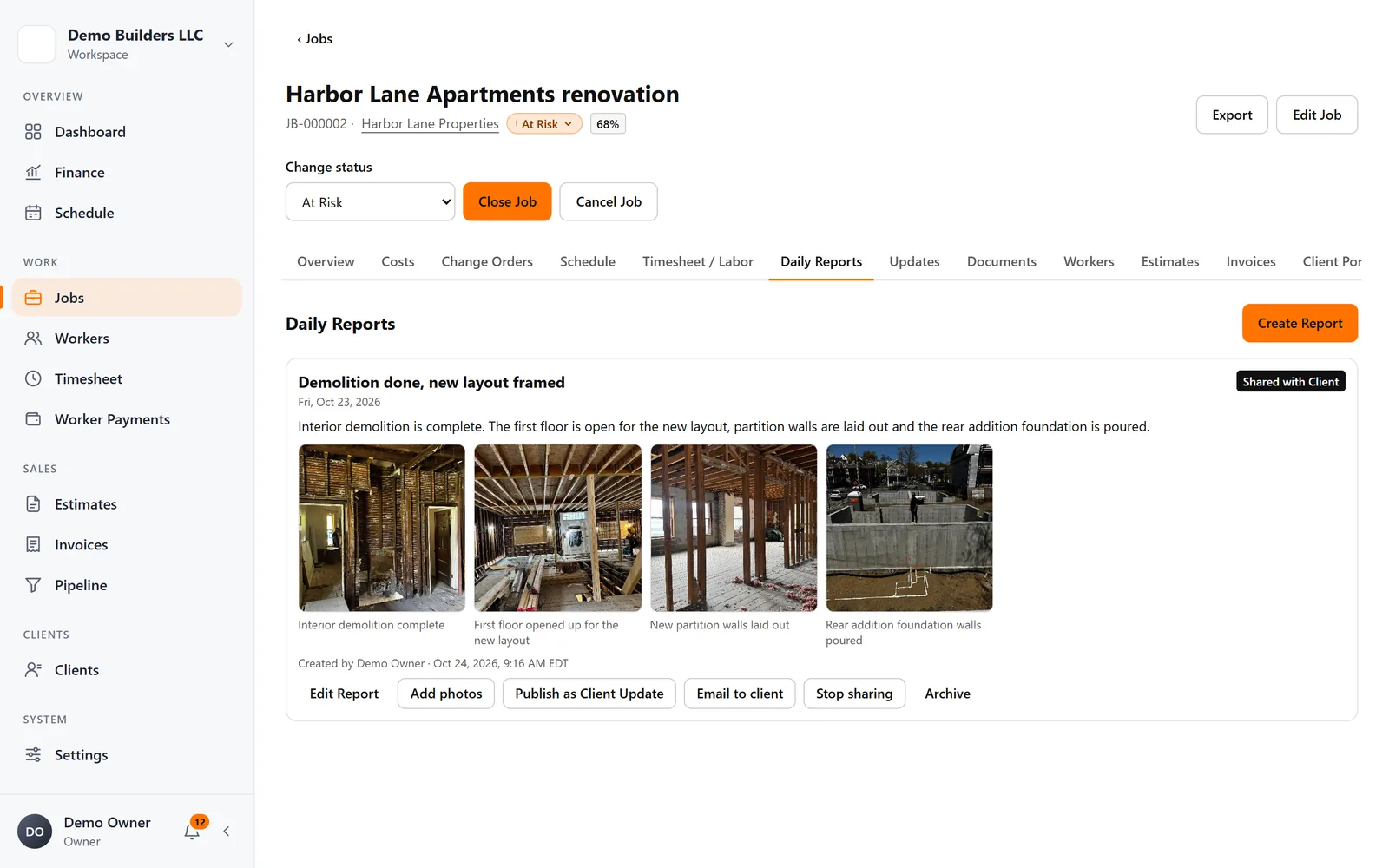
Field work
Daily Reports
Workers or you write daily reports with photos and captions. Keep them internal, or share them with the client in the Client Portal and by email.
Learn more →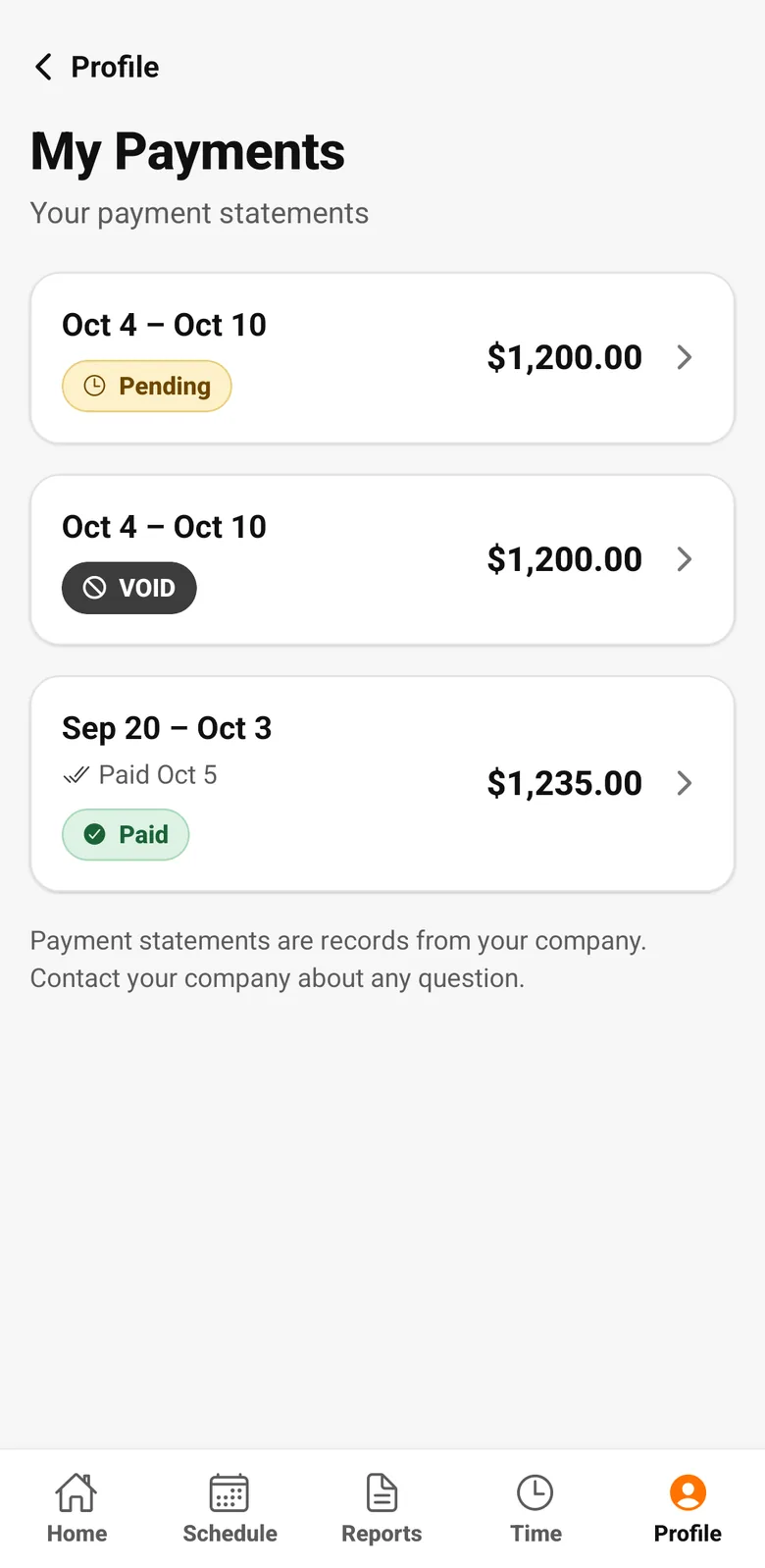
Crew & pay
Worker Payments
Create payment runs from timesheet hours and each worker's rate, add reimbursements or deductions, and give every worker a clear payment statement.
Learn more →Run your next job with AGT Work Crew
Jobs, crew time, estimates, invoices and client updates, connected from day one.
- No credit card required
- 15-day free trial